


Visada žinokite, kur
yra jūsų vaikas
dienos metu
Nemokama prieiga prie aukščiausios
kokybės funkcijų „Findmykids“ programėlėje
 4.7 Appstore
4.7 Google Play

Dovaną galite gauti tik iš išmaniojo telefono
Atidarykite šį puslapį telefone – nuskenuokite kairėje pusėje esantį QR kodą arba nukopijuokite nuorodą ir persiųskite ją į išsaugotas žinutes naudodami bet kurią žinučių siuntimo programėlę.
Kaip gauti dovaną
Gaukite prieigą prie visų programėlės funkcijų nemokamai
1
Įdiekite „Findmykids“ savo išmaniajame telefone
2
Įdiekite Pingo programėlę savo vaiko telefone ir prijunkite du įrenginius
3
Įveskite gautą akcijos kodą ir gaukite prieigą prie visų programėlės funkcijų
4 naudingos funkcijos tėvams

- Neribota vietų istorija
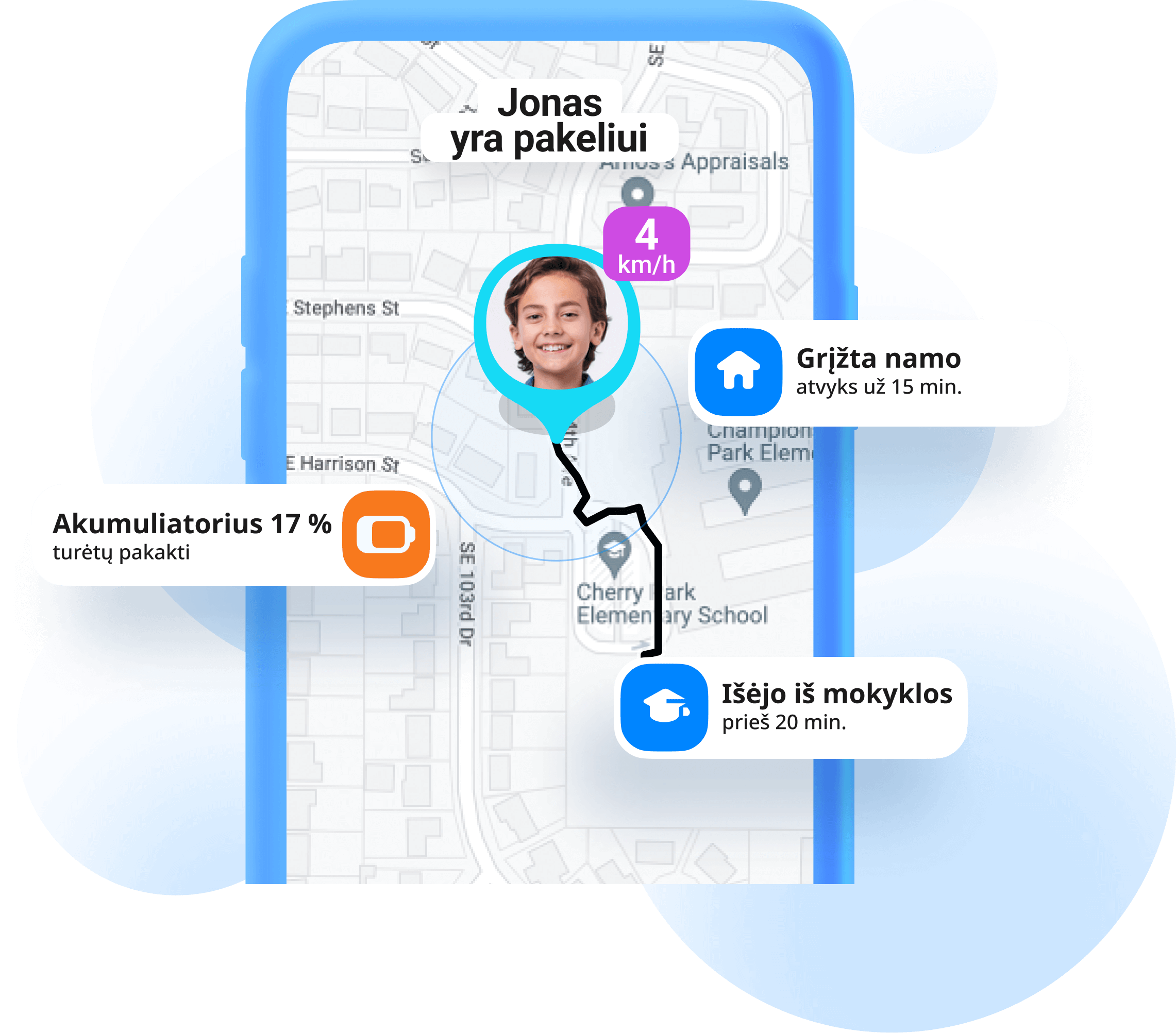
- —Matykite, kur yra jūsų vaikas, kai jis eina į mokyklą arba vaikšto vienas
- —Raskite vaiko telefoną, jei jis jį pamestų

- Neriboti garsūs signalai į vaiko telefoną
- —Vaikui pamiršus išjungti begarsį režimą savo telefone ir negirdint jūsų skambučių
- —Jei vaikas pamestų telefoną, kuriame įjungtas begarsis režimas

- Neribotas vietų ir pranešimų skaičius
- —Kai vaikas išeina iš namų arba mokyklos
- —Kai jų telefono akumuliatoriaus įkrovos lygis nukrinta žemiau 10 %

- Garsai aplink vaiko telefoną
- —Įsitikinkite, kad jūsų vaikui viskas gerai, kai nesate su juo
- Minutės garso aplink funkcijai yra perkamos atskirai
Funkcija veikia, jei vaikas turi Android