


Findmykids Parental Control App
Know that your kids are safe and secure
 4.7+
4.7+rating based on >1M reviews
parents use us monthly
on the market helping millions of parents

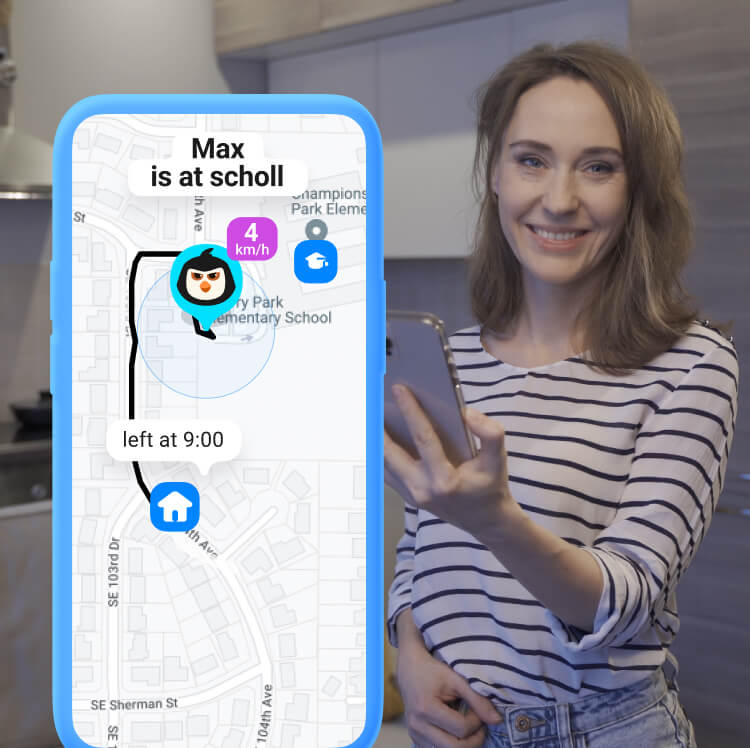
Always be aware of your kids’ whereabouts – Findmykids parental control app uses GPS tracking with data being updated every few seconds. Receive notifications about the places that your children visit and keep tabs on their routes

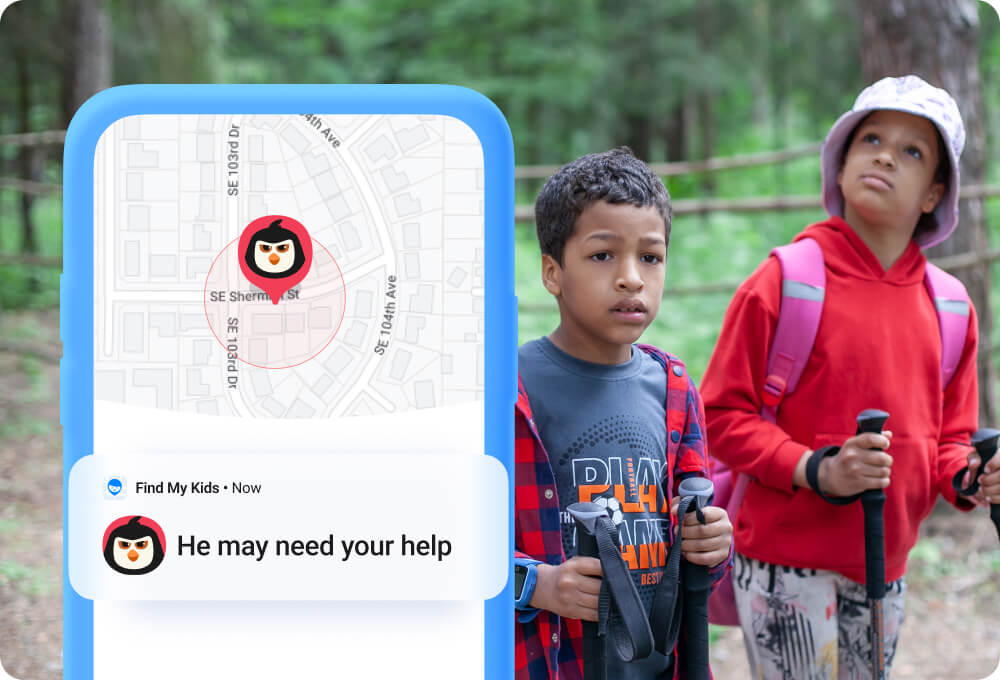
Make sure that your kids are safe and secure. Listen to what is happening around your children if they appear in a bad company. Receive quick SOS signals in case of dangerous situations when a kid cannot call you — you will know the exact location

Install Findmykids on iPhone or Android devices — it is compatible with the latest versions of operational systems and works regardless of smartphone model. Is your child too small to use a phone? Use the app with our branded GPS watches for younger kids: they support all basic functionality

Track your children’s location on the map and monitor their screen time without bothering them. It’s perfect if your kids want to be more independent. App works in a background mode on all devices. You will need only 3-5 minutes to get started

Findmykids does not share yours or your kid’s private data with third parties. Confidentiality of data is guaranteed by COPPA certificate

Findmykids is the best parental control app for big families! Track routes and activities of all your children – it does not limit the number of connected devices on one family subscription! Invite grandparents, spouse or elder siblings to keep an eye on your child together



确保孩子安全的 3 个简单步骤
只需 5 分钟,配合孩子的手机或 GPS 手表就能完成


1M+ reviews on Google Play and AppStore

Review from Google Play
Works well. The phone needs connection through WiFi or data. The recording of sound and listening around the childs enviroment is good, also you can send a loud signal sound to your child's phone to attract their attention to their phone. plus the child's phone has an 🆘 which they can use to send a loud signal sound to your phone which works even if your sound is off, only thing is it doest show road names on maps when viewing child's location on Maps. The app has improved. Great app.

Review from Google Play
Really happy with this app. It not only keeps your mind at peace by notifying you about your child's precise location and when they leave or arrive at certain premises but it also has this unique feature which allows you to listen to their surrounding which adds another huge layer of security itself as we know they are doing okay and are safe. Happy with the trial and going to buy subscription.

Review from Google Play
This app is fab, especially if you have a child like mine that is so laid back it's ridiculous and never answers the phone! Not only can you see your child's location in real time, you can listen into their surroundings if they don't answer the phone. This has been a game changer for my child and I.

Review from Google Play
Excellent and reliable. I first installed this on a test phone and I was so happy that I bought a lifetime subscription. Then I purchased gps watches, because they're easier for younger kids to have at all times. Now that the kids have phones, this is an exceptional app. I love that I can watch their route in real-time. It gives me HUGE peace of mind.

Review from Google Play
Amazing.. My son likes to walk him self to school with friend's as we live close and he's nearly 10, we both love the features and I can follow him to a T if needed definitely worth the upgrade aswell if you want more features! But on the free version is still very useful and easy to use for both myself and son.

Review from Google Play
This app is the best and worth the price, I can see my daughter's whereabouts plus see if her phone battery percentage and if it's on loud or silent. it also has a messaging system so if U have no credit U can still msg thru the app. amazing.
Articles about us in the media. Сlick and read










选择您的套餐
FAQ
How To Set Parental Controls For Your Family’s Devices?
 Install the Findmykids app on your phone, then install the Pingo app on your kid’s smartphone, connect them and manually customize the app’s settings. More guidelines and information can be found in the FAQ
How Does the Findmykids Parental Control Software Work?
Our software uses GPS for high-precision location tracking. If allowed by settings, it also tracks a kid's screen time and accesses the microphone of their smartphone or GPS watch.