Track daily screen time
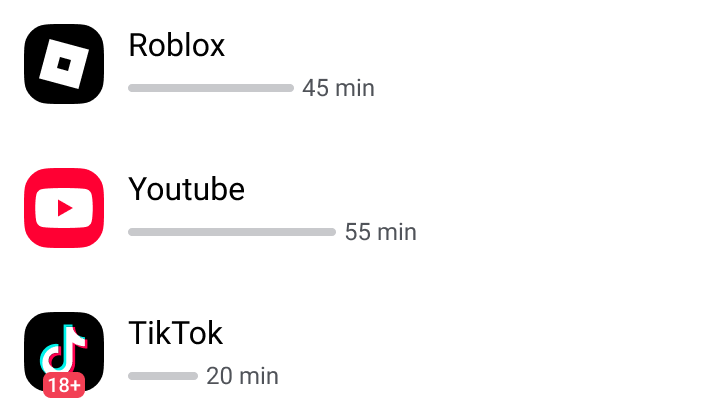
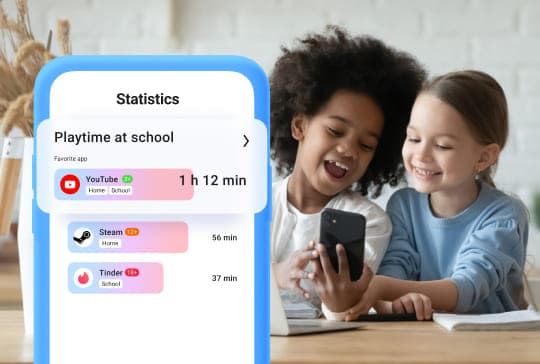
See exactly how much time your child spends on their phone each day. Check usage by yesterday, today, or week, and identify patterns in app activity to help guide healthy habits.


 4.6
4.6
based on 1 million reviews
3.5M
parents use us monthly


 180
180
countries worldwide coverage














The feature builds a crowdsourced safety network by alerting people nearby.

The new feature could cut crucial hours in the search for missing children.

The technology is designed to reduce response time in missing child cases.

Preventing child disappearances requires both awareness and technology.

But it also raises questions about privacy and trust between parents and children.

Technology is giving parents new ways to stay connected and keep their children safe in real time.

30% of parents admit they've become stricter due to online dangers.

Parents are increasingly turning to apps to protect children from digital threats.

Growing digital threats are changing the way families approach safety.

See exactly how much time your child spends on their phone each day. Check usage by yesterday, today, or week, and identify patterns in app activity to help guide healthy habits.
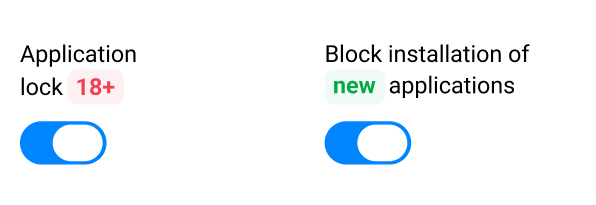
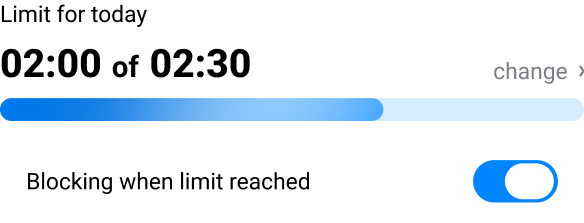
Set screen time restrictions for games, social media, and other apps directly from your phone. Block all apps at once with a single tap or lock specific apps individually for full control.
Immediately understand if your child is using inappropriate apps, such as social media platforms. When you know which apps your child uses, you can address online safety and explicit content promptly and effectively.
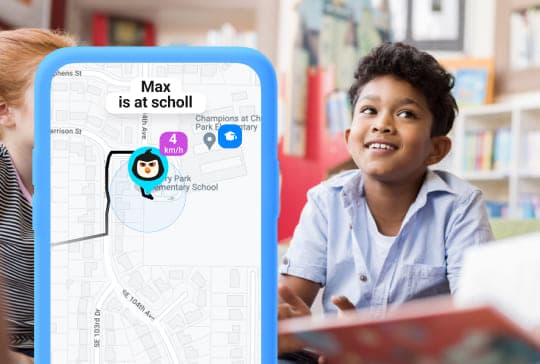
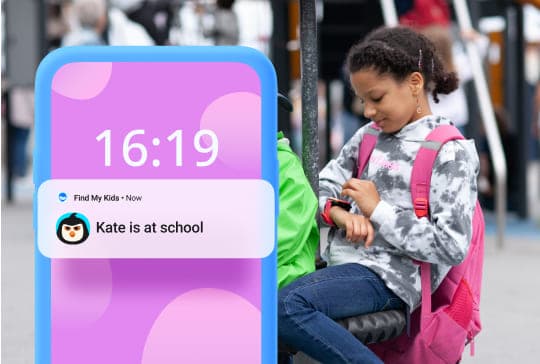
Find out which apps your child uses most, and even where they are using them. Track app usage at custom locations like school, home, or other zones you define on the map. This helps you understand not just what they do, but where and when they spend time on their devices.
Be aware if your child is spending too much time on screens, or if app usage is interfering with homework, sleep, or offline activities. Having this information makes it easier to establish a balance between schoolwork, playtime, and sleep for your child.
Screen time isn't just about minutes and hours — it affects your child's mood, focus, and overall well-being. With Findmykids, you can help your child develop healthy digital habits by setting clear limits on app use. This guidance encourages balanced device usage, letting children enjoy screens without sacrificing rest, study, or real-world activities.
Experts recommend no more than 2 hours of recreational screen use per day. Yet our research shows that many children spend over 5 hours a day on their phones — and some even stay online at night for 1 to 3 hours. Excessive screen time can increase stress, disrupt sleep, and affect attention in children and teens. With Findmykids, you can block apps or the entire device for a specific time period, helping reduce total screen exposure and prevent digital overuse.
Research indicates that 40% of children show signs of addictive social media or mobile use, feeling unable to stop scrolling or anxious when offline. Findmykids allows parents to set timed app blocks, giving children structured limits and reducing compulsive screen behavior. Taking small steps to reduce screen time can have long-lasting benefits for your child's overall development and health.
Notifications, messages, and games can distract children from important schoolwork, hobbies, or family time. With Findmykids, you can temporarily limit app access or block specific apps entirely, helping your child stay focused when it matters most.
Limiting screen time creates space for hobbies, sports, arts, and in-person friendships. By reducing digital distractions, Findmykids helps children explore real-world passions that are essential for mental, social, and emotional development.
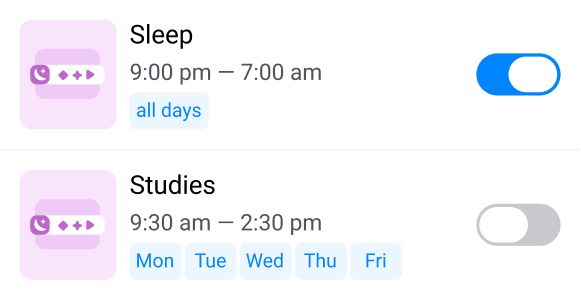
Many children continue using apps late at night, which can disrupt sleep, concentration, development, and mood. Findmykids allows you to lock specific apps or the entire device during bedtime hours to promote restful, uninterrupted sleep and healthier routines. Parents find this feature most effective when enabled at least one hour before their child's bedtime.
Findmykids makes it easy to establish predictable, consistent rules around screen time. Limits are clear and enforceable, which reduces arguments and makes digital boundaries calmer and easier for the whole family.
Vous n'aurez besoin que de 5 minutes et du téléphone ou de la montre GPS de votre enfant
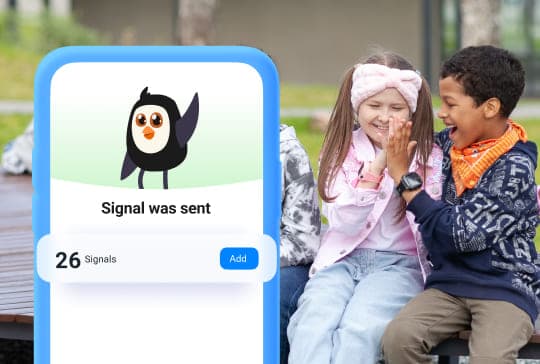
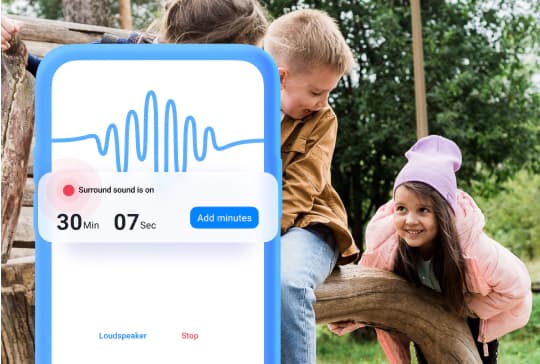
This is an excellent app that gives you such peace of mind. I love the extras, like being able to hear what’s happening around your child or send them a quick “proud of you” message. I would recommend it to all parents. My boy just started high school and will be walking home from school. It’s well worth the money.

Katy Parry
Review from Google Play
I love how accurate the map is—from the location and timestamp to the places they went. I recommend it to anyone who wants to keep track of their loved ones!

Raiza Abegail T. Roxas
Review from Google Play
This app is good. You can locate your child and control the games they play.
Excessive screen time can contribute to digital eye strain, which may cause dry eyes, blurred vision, headaches, and eye fatigue. Prolonged screen use has also been associated with a higher risk of myopia (nearsightedness) in children, although screen time is only one of several factors that may contribute to its development.
To reduce eye strain, encourage children to take regular breaks from screens. One commonly recommended approach is the 20-20-20 rule: every 20 minutes, look at something about 20 feet away for at least 20 seconds. Findmykids can also help parents keep screen time in check by setting limits for specific apps and blocking them when needed.
Spending too much time in front of a screen can have negative effects on a child or teen’s mental health. According to studies, teens with a daily screen time of more than 4 hours are more likely to experience anxiety, depression, behavior problems, and sleep disruption. Children and teens are also more likely to experience self-esteem issues, shortened attention spans, and lack of social skills.
With Findmykids, parents can monitor how much time their child spends on different apps and set limits to help maintain a healthier balance between screen time and offline activities.
Yes. Findmykids lets you set time limits for individual apps, such as YouTube, games, or social media, as well as block specific apps when needed.
To do this, install the Findmykids app on your phone and your child’s phone. Open your child’s profile, go to Parental Controls, and set the required time limits and restrictions for apps and categories. You can adjust these settings at any time as your child’s needs change.