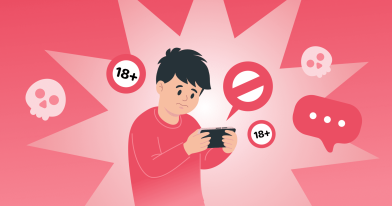
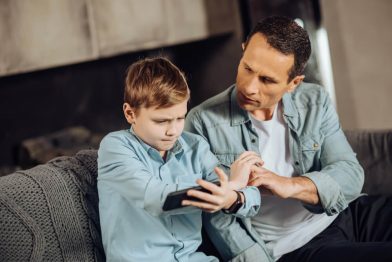
Digital Fatigue in Kids: How to Spot the Signs

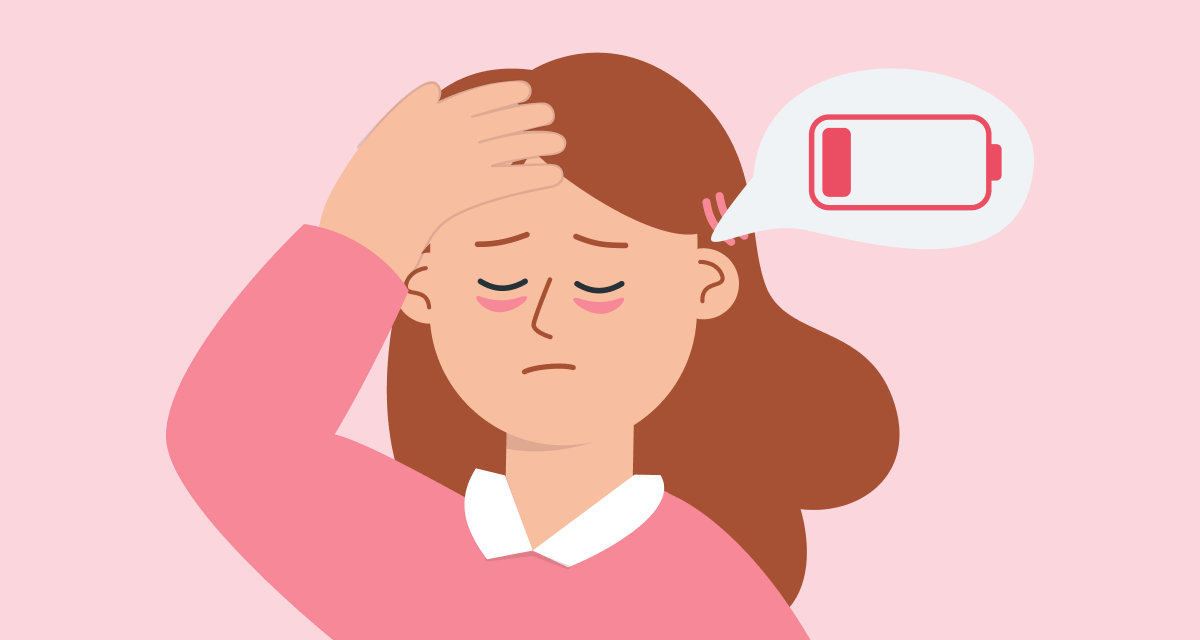
If your child seems to get tired more quickly, struggles to wake up in the morning, or gets irritated more often, the problem may not be just a busy schedule. It could be too much screen time.
Kids ages 11–13 have a lot on their plate: school, activities, tutoring, and in between — messaging, videos, and games. Screens pile up, and the child starts to feel overloaded. That’s how digital fatigue shows up — a state that’s important to notice early and help your child get through.
Why This Happens at This Age
Between 11 and 13, kids enter an important stage: their bodies change, their moods shift, and their social circles expand. They want to stay in the loop, they’re afraid of missing out, and many of them practically live on their phones. But their brains are still learning to handle large amounts of information. Constant eye strain and nonstop attention demands can cause real exhaustion.
Studies show that kids who spend four or more hours a day on screens have a 45% higher risk of anxiety and a 65% higher risk of depression. Researchers link this to poor sleep and constant cognitive overload.
This means timely breaks from devices aren’t just a suggestion — they’re real protection for your child’s mental health.
How to Recognize Digital Fatigue
Here are a few signs worth paying attention to:
- Your child complains about headaches or itchy eyes, especially after school or in the evening.
- They seem more irritable, get tired faster, or lose interest in walking outside or doing their usual activities.
- They forget what they just read and struggle to concentrate on homework.
- They fall asleep later than usual and have trouble waking up, even after a full night’s sleep.
If you notice at least two of these signs, your child may be experiencing digital overload. The good news: it’s manageable if you catch it early and help them rest.
How to Reduce Digital Fatigue
Simple habits — practiced by the whole family — can make a big difference:
- Take breaks every 20 minutes. Look away from the screen for 20 seconds, focus on something far away, or simply close your eyes. A timer can help you remember.
- Take a 10—15-minute break after an hour of screen use. This could be stretching, making tea, walking around the room, or chatting with someone — anything that doesn’t involve a screen.
- Put devices away an hour before bedtime. This makes it easier to fall asleep and get enough rest. Try reading, listening to calming music, or talking about the day instead.
- Spend time together. Board games, cooking, walking, or making plans together help shift attention away from screens and create more connection with your child.
A real-life story
⠀
“My son became nervous and constantly complained about being tired. At first, I thought he just wasn’t sleeping enough. Then I realized he was on his phone before and after school.
⠀
We made a deal: devices only until eight in the evening, and afterward — board games, books, talking. He grumbled the first week, but then started suggesting games himself. Now he sleeps better, his eyes don’t bother him, and we’ve grown closer.”
⠀
— Emily, mom of 11-year-old Liam
The Key Is to Support, Not Criticize
Digital fatigue isn’t laziness or attitude — it’s a natural response to constant stress on the mind and body. At these moments, parental support matters most. Instead of pressure or criticism, it’s better to find ways to rest together.
You’re already doing a lot just by paying attention, caring, and trying to help. Often, that alone gives a child the sense of safety they need to recharge and feel better again.
References
- Adverse physiological and psychological effects of screen time on children and adolescents: review, Journal of Developmental & Behavioral Pediatrics, 2024
- Adolescents’ media multitasking and cognitive control: a systematic review, Frontiers in Psychology, 2023
- How to set limits on screen time, Child Mind Institute, 2023
- Where we stand: TV viewing time, American Academy of Pediatrics, 2019
Проверьте электронный ящик