My Child Won’t Stop Gaming — What Can I Do?

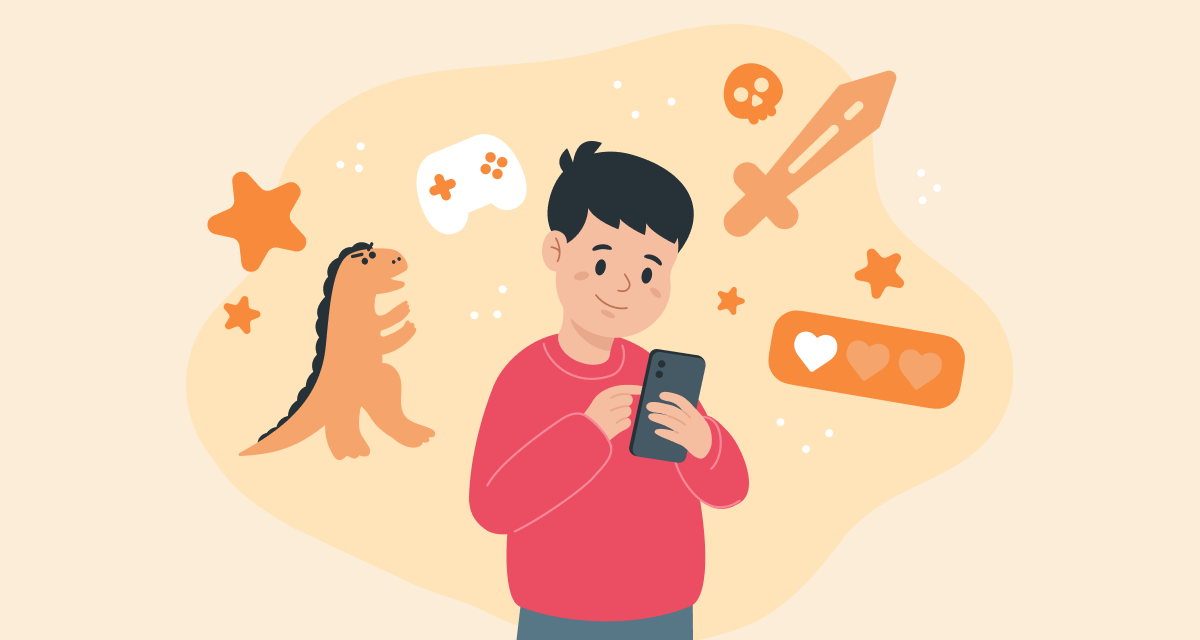
When a child spends a lot of time playing games, it can be hard for parents to tell where healthy interest ends and real concern begins. Sometimes gaming stops being a way to relax and starts crowding out sleep, school, friendships, and other important parts of life.
The World Health Organization uses the term gaming disorder to describe situations where gaming becomes hard to control, takes priority over other activities, and continues despite negative consequences.
Let’s look at what signs to watch for and how to support a child who may be too deeply absorbed in games.
Signs That May Be Concerning
Your child talks about the game all the time, draws its characters, and seems to live from one gaming session to the next. They get irritated or upset when it’s time to stop, ask for “just a little more,” want more powerful devices, or play longer than you agreed.
Interest in other things fades — less socializing, forgotten hobbies. Your child may start hiding the screen, lying about in-game purchases, or sneaking extra playtime. School performance drops, sleep gets disrupted, tension with you grows,but gaming continues.
If you notice several of these signs at once, and they’ve been going on for a year or longer, it’s time to take action.
How to Help: 7 Practical Steps
1. Start With a Calm, Blame-Free Conversation
Stick to facts:
- “You’ve been going to bed later and it’s harder to wake up,”
- “We’ve been arguing about gaming — how do you see it?”
The goal isn’t to accuse, but to become partners in solving the problem.
2. Create Rules Together
Make a family media plan: when gaming is allowed, where devices go at night, how schoolwork, sleep, and physical activity fit in. Clear, agreed-upon rules leave less room for conflict.
3. Reduce Gaming Gradually
Avoid sudden bans. Cut gaming time slowly — by about 10–15% per week — until you reach a reasonable limit. Notice and name progress:
“You turned it off on your own today. That’s a big step.”
4. Offer Appealing Alternatives
Look together for activities that can replace gaming: board games, sports, building models, creative projects, shared hobbies. Activities where your child feels successful work especially well.
5. Create a Clear “End-of-Game” Ritual
Use a timer. Give a five-minute warning. Let your child finish a level. After that, add a short screen-free transition — drink water, stretch, move around — and then move on to the next activity.
6. Protect Sleep
No screens for at least an hour before bed. Devices stay out of the bedroom at night. In the morning, basics come first — breakfast, getting ready — and screens later. A rested brain is key to self-control.
7. Don’t Hesitate to Seek Professional Support
If you see emotional outbursts, low mood, withdrawal, or loss of interest in real-life activities, a child psychologist can help. Approaches based on cognitive behavioral therapy have shown good results.
What Usually Doesn’t Help
- Sudden bans, yelling, or punishment — they increase resistance and secrecy.
- Inconsistent rules: “Anything goes today, nothing tomorrow.”
- Decisions made without discussion — agreements work better when they’re shared.
When to Seek Urgent Help
If your child shows sudden behavior changes, talks about self-harm, skips school, or stays up all night gaming regularly, seek in-person professional help right away.
⠀
Games can be part of a healthy life — as long as they don’t replace everything else. The goal isn’t to ban gaming, but to help your child regain balance, so they have multiple sources of interest, joy, and confidence.
When that balance returns, gaming becomes just one activity — not the only one.
References
- Unhealthy Video Gaming: What Parents Can Do, American Academy of Pediatrics, 2025
- Effectiveness of CBT-based school intervention (PROTECT), JAMA Network Open, 2022
- Gaming disorder in ICD-11, World Health Organization, 2020
- Cognitive-behavioral therapy for Internet gaming disorder: Review, Clinical Psychology Review, 2019
- Internet Gaming in DSM-5, American Psychiatric Association
Проверьте электронный ящик