

















Scroll till you drop: should you limit your child’s screen time?

You might be surprised, but the answer isn’t as clear-cut as we’d like.
In January 2026, the American Academy of Pediatrics, for the first time in years, suggested that parents stop counting the hours their children spend on screens. Instead of a timer, pediatricians now recommend a five-part framework: the “5 Cs.”
- Child — the child’s age, temperament, and individual traits.
- Content — what exactly they’re watching, playing, or reading.
- Calm — whether screens help them regulate emotions or overstimulate them.
- Crowding out — whether screen time is displacing sleep, movement, or face-to-face connection.
- Communication — how aware you are of what’s happening on their phone or computer screen.
The shift partly reflects the fact that a single rule (the classic “two hours a day”) is no longer realistic: today’s kids can access devices almost anywhere, at any time, making it increasingly hard for parents to control.
By age
So what should parents watch for at different ages?
Child, 2–5 years. Pediatricians still give a concrete number for this age — about one hour of quality content a day, ideally with an adult. Research shows that co-viewing with discussion (“Look, what’s happening?”, “What do you think happens next?”) has a fundamentally different effect than watching the same cartoon alone.
School-age, 6–12 years. Here, pediatricians suggest focusing on whether kids are using screens actively or passively. Active use is when a child thinks, creates, or solves a problem: beating a level in Minecraft, coding a simple game, editing a video, video-calling grandma. Passive use is when content just scrolls by on its own, with no effort from the child.
Teenagers. Teens who spend 4 or more hours a day specifically in passive scrolling are about 2.5 times more likely to show depressive symptoms than peers with less screen time.
What is “zombie scrolling”?
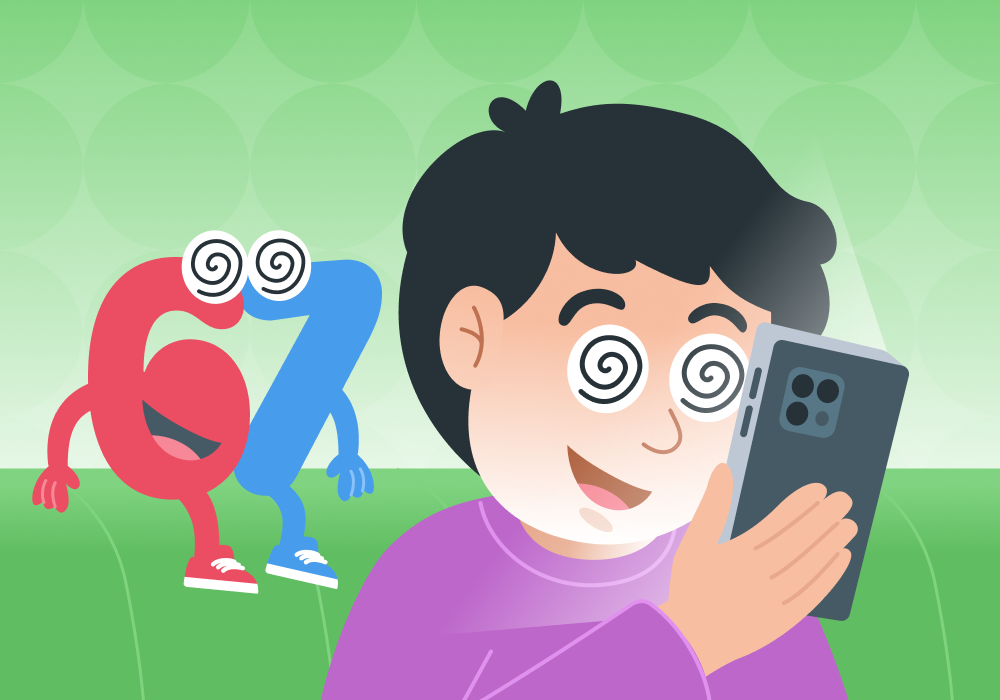
There’s already a popular name for the state of scrolling for hours and then being unable to recall what you watched — “zombie scroll.”
Zombie scrolling has some pretty clear signs:
The child keeps scrolling content for several hours straight. Afterward, they feel irritable, sluggish, or exhausted. They can’t recount what they saw, despite spending a lot of time on the screen. It’s harder than usual to get them off the screen.
So what do you actually say to get your kid off their phone?
What works best is a question that shifts the conversation to quality: “What’s something interesting you saw or did today?” instead of “How much longer are you going to sit there!” (yes, we know, that’s exactly what you want to say). If a child can describe in detail what they built, invented, or learned — that was probably active time, even if it technically went over their screen-time limit.
Let’s be honest: lectures don’t work. Aggressive or dismissive comments don’t work. Bans don’t work either. What’s more — the kind of trusting relationship with your child that ultimately helps build a healthy relationship with screens and devices isn’t built in a day: it’s steady, consistent work, and all our tips are here to help with exactly that.
Don’t give the issue too much attention. Don’t talk about it constantly, or discuss it with other family members where the child can overhear. Phones and computers shouldn’t be the center of your family’s attention.
Offer alternatives. This is the part where you’ll need to be a fully engaged parent. You’ll have to dive into your child’s interests and find out what they love and want. After that, it’s just a matter of follow-through. Don’t be surprised if you end up at a K-pop concert or an anime movie premiere.
Don’t belittle or insult your child. Words like “addiction” or “no willpower” — the kind we may have heard ourselves as kids — shouldn’t come up. Show your child that you respect and value their interests, while also being honest that you worry about them, because they matter to you.
The takeaway
Evaluate screen time using five criteria: how the child feels, what content they’re consuming, how calm they are afterward, what other interests they have, and how openly they talk with you about their online interests.
⠀
Active screen use (creating, solving problems, communicating) isn’t the same as passive use (endless scrolling). Watch for “zombie scrolling”: a state where the child essentially checks out and can scroll a feed for hours without registering what they’re actually seeing.
Sources: American Academy of Pediatrics — Understanding the New AAP Digital Media Guidelines (January 2026); CDC, Preventing Chronic Disease — Associations Between Screen Time Use and Health Outcomes Among US Teenagers (2025).
Проверьте электронный ящик