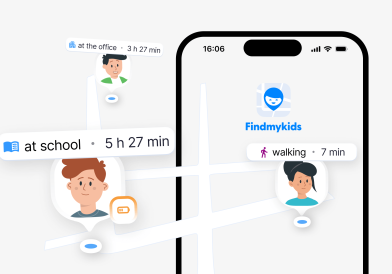
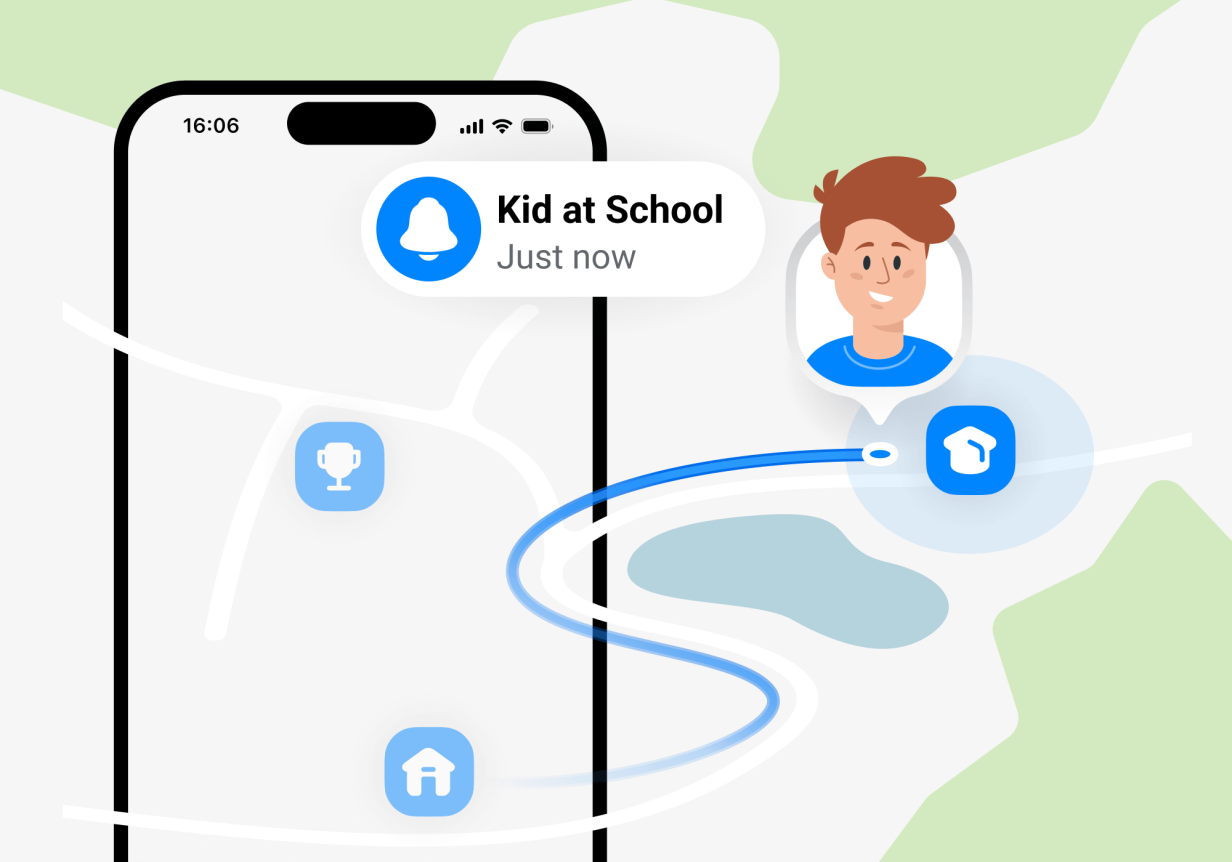
You’ve sent your child off to school with a packed lunch and a kiss on the cheek, wishing them a great day. But you can’t help but feel a knot in your stomach when the door closes. It’s been a few weeks since you’ve allowed your child to walk to school with friends. However, you just can’t shake the anxiety of not knowing if they’ve arrived on time or at all.
Many parents might ask their kids to text them when they’ve arrived at their destination. But you know how forgetful children can be, especially when they meet up with their friends before class begins. Some parents might feel the urge to call them, but it can feel a bit invasive or overprotective.
What if there was a way to see when your child arrives at school, figure out why they arrived late, or how much time they spend in a particular location? With the new Places section on the Findmykids app, this information is available at the tip of your fingers!
If you’ve been worried or curious about where your child spends their time, how often they visit certain places, and how long they spend there, the Places section is a game-changer. By the end of this article, you’ll know everything about this new feature and how to use it effectively.
What Is the Places Section?
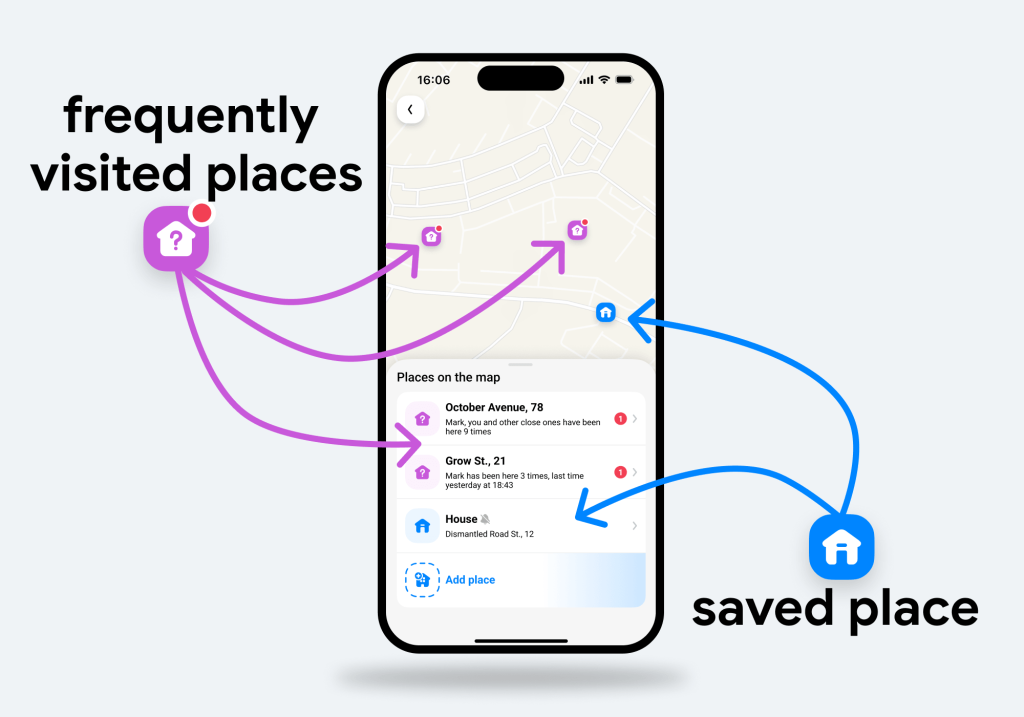
The Places section on the Findmykids app lets users see where their family members spend their time, including how often and how long they are in frequently visited places.
It also allows users to designate Safe Zones, such as a school, a church, activities, or a family member’s house. So, when the child leaves or arrives in these commonly visited places, you receive a notification. No more worrying or waiting for a text from your child.
What Does the Places Section Show?
When you open the Places section, you will see a map. On this map, icons represent your saved places, such as Home, School, or Activities. You will also see tags of frequently visited places, which are added automatically when the app detects family members there often. The good news? You can update these saved locations with just one tap on the app!
Selecting a location opens up a Place Card, with information about your family’s time spent there.
How to Use Place Cards
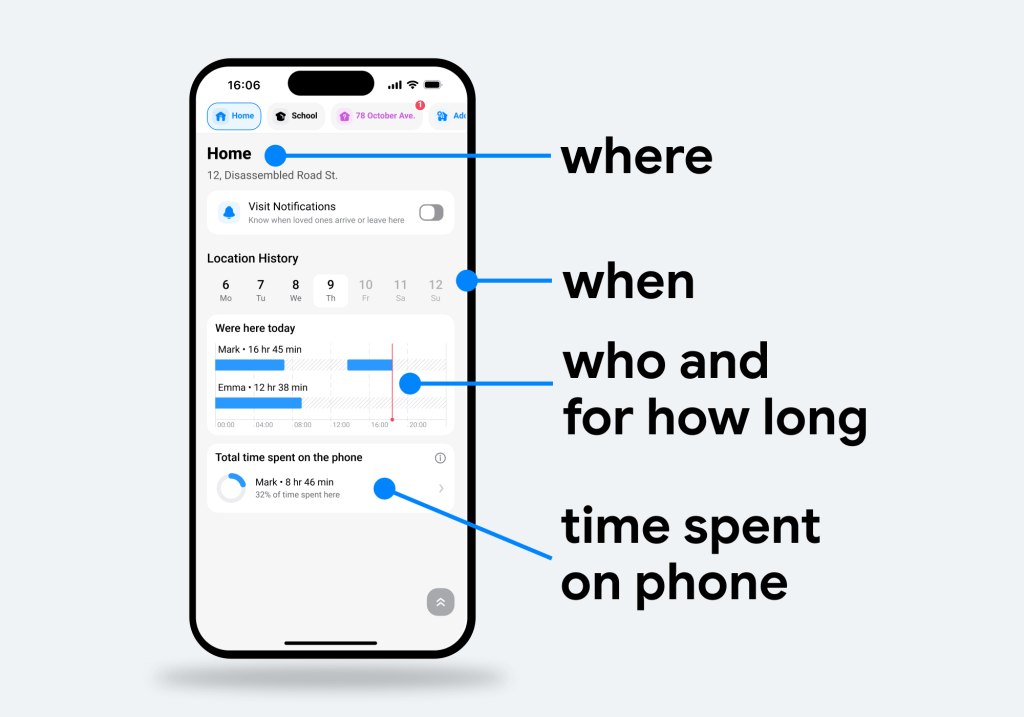
Place Cards give a unique overview of your family members and how they spend their time in certain locations. When you open the Place Card, you will see information about:
- Visit History: How many times the child has visited the place in a certain time period.
- Time Spent: How many hours your child spent in that particular place, broken down by day.
- Who Was There: See when family members are together in one place, and if they were there at the same time.
- Time Spent on Phone: How many hours your child spent on their phone while in that place.
This valuable information is not available through a text or phone call. It’s unique to the Findmykids Places feature. Parents have a clearer idea of where their family members are, their screen time usage, and who they were with.
Additionally, this is where you can set notifications for when your child arrives or leaves. In fact, every weekday, half a million parents receive these notifications because they created a Safe Zone for their child’s school!
The Place Cards were designed to be easy to read. With just a glance, you can see important information about where your child has been.
Common Use Cases of the Places Section
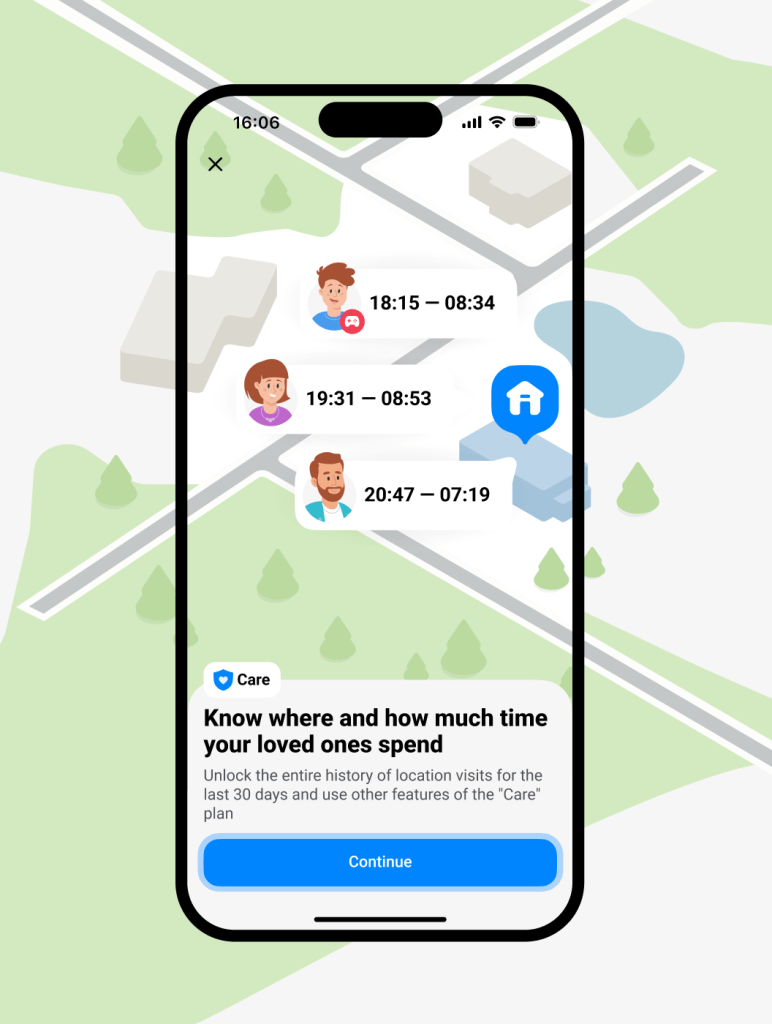
You may be wondering how exactly parents might use the Places section in their everyday life. Below are some real-life examples of how users find this feature helpful:
- Time Spent at…: Parents know when a child spends more time out of the home, allowing them to have a conversation about what they were doing after school and if they had an activity.
- After-School Activity Runs Late: You can see when your child spends more time at an after-school activity and ask them why it ran so late.
- How They Spend Time at Grandma’s House: When visiting their grandparents, parents can see how much time their child spends on their phone. This can introduce an important conversation about screen time and spending quality time with family members.
- Arriving Late to a Destination: If you receive an arrival notification later than expected, you can view the child’s route and try to understand why they were late.
Having this information at the tip of your fingers avoids bombarding your child with questions about their day. Instead, you have some context about where they’ve been, how long they were there, and how they spent their time. This gives you a unique opportunity to get to know your child better and guide important conversations.
Benefits of the Places Section in Findmykids
Findmykids has provided millions of parents with peace of mind, allowing them to track their children’s real-time location and set screen time limits. But now with the Places section, there are even more advantages to using the app.
Parents who look at the Places section can expect:
- Less Anxiety: In a matter of seconds, you know where your child is, where they’ve been, and how long they’ve spent in certain places. No need to text or call and wait for a response.
- Faster Reactions: With real-time updates, parents can respond to unusual situations more quickly, rather than waiting hours or until it’s too late to act.
- Better Planning: Managing a family isn’t easy; having real data about your family members’ routines helps you plan better without making assumptions.
- Time Awareness: Understanding exactly where your child spends their time during the day and how much of that time they are on their phones, you can become more aware of where the day goes and take proactive measures to improve it.
How to Use the Places Section
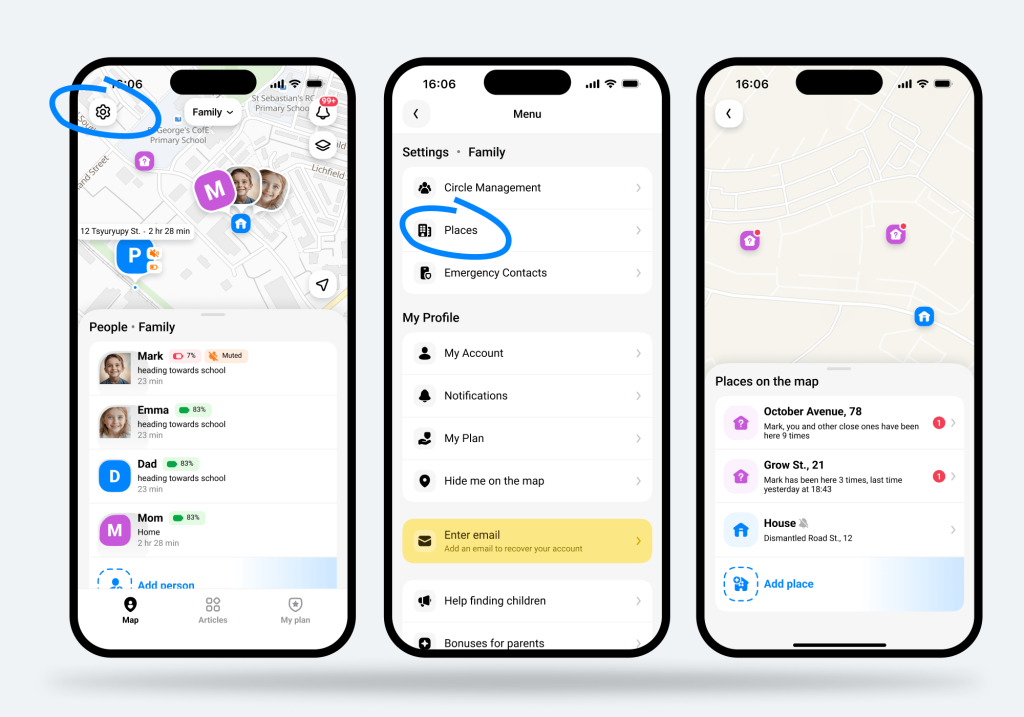
With all of this great information at your fingertips, understanding how to access it in the Findmykids app is important. Follow the steps below to use the Places feature:
- Open the Findmykids app.
- Tap Settings (the gear icon) in the top left corner.
- Tap Places.
- Select a place on the map (or add a new one).
- View the Place Card for your saved places.
It’s as easy as that! In just seconds, you will have extremely valuable information about your family’s whereabouts and how they spend their days right on your screen.
Keep a Closer Watch on Your Family and Achieve Peace of Mind
Being a parent is all about protecting your family. Findmykids makes it easier than ever by providing up-to-date location information and security features, like Places, for insight about your family’s whereabouts.
And the best part is that the app updates these frequently visited locations in the Places section automatically. It detects if a family member visits a place more often than others and adds it to your Places map. This is extremely helpful, especially when your child has a new routine, and you forget to update your Safe Zones or important places.
But Findmykids is so much more than a way to see where your family is or has been. It also has proactive features to keep your kids safe online. For example, parents can restrict apps like social media and games when their child is visiting their grandparents’ or when they are at school. Plus, they can block 18+ websites and apps, prohibiting adult content.
Are you ready to have a complete overview of your family’s daily routine while also taking necessary steps to keep your children safe? Download the Findmykids app to get started—and enjoy the peace of mind millions of parents already experience!
Проверьте электронный ящик