The online world poses many dangers, and phishing attacks are on the rise. Whether you’re a parent wanting to ensure your kids steer clear of phishing attempts or are simply keen to find out the best ways to keep your own digital accounts safe, keep reading for everything you need to know.
What is phishing? Let’s take a deep dive into the subject below.
Contents:
What is Phishing?
Phishing attacks are designed to trick users into sharing their sensitive data. These types of cyberattacks use fraudulent emails, phone calls, text messages, direct messages via social media platforms, or fake websites, with successful phishing attacks allowing crooks to steal sensitive data such as personal and financial information.
How Phishing Scams and Attacks Work
Elnur/Shuttertock
Although there are different types of phishing attacks, they generally unfold in the following way:
- Cybercrooks plan the attack, deciding on which business or website to target and how to get login credentials or other sensitive data from users.
- Phishers now set up their phishing campaign. This usually involves creating an email and spoof web pages that appear to belong to a legitimate company or site.
- The phishing attack begins. The phony emails are sent out, often directing recipients to the fake website where they’ll be asked to enter their login information or financial details to make what they believe is a purchase from a reputable site. In some cases, malware is installed on unsuspecting users’ devices, often via a malicious link, to track users’ activity and collect personal data.
- Phishers record the information that victims enter into pop-up boxes or the fake website.
- Fraud and identity theft result, with the phishers using the information they’ve gathered to, for example, access victims’ bank accounts, make purchases, and more.
It’s vital parents are aware that phishing messages and attacks don’t just target businesses and adults: kids are vulnerable, too. In a shocking 2025 report from the UK Safer Internet Centre, nearly 80% of young people come across online scams or phishing emails monthly, with 20% saying they see online scams every day.
Types of phishing attempts that kids and teens may be most at risk from include fake friend requests, phony school emails, fake giveaways and prizes, false ticket sales, and trust trades (for example, in online games). Phishing attempts can appear across a wide range of platforms, from social media sites to online gaming platforms.
What are the Different Forms of Phishing Attacks?
You may be surprised at just how many different types of phishing attacks exist, each designed to manipulate its victims. Here are some of the most common.
Email Phishing
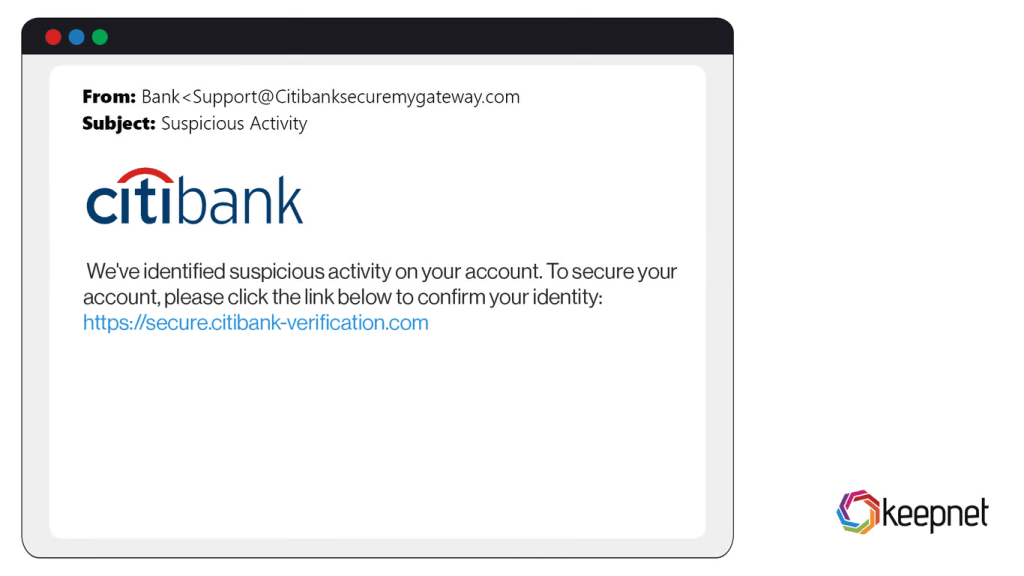
In this attack, scammers send fraudulent emails (appearing to be from legitimate sources) to trick victims into revealing sensitive personal information. Phishing emails often contain malicious attachments, links, or calls to action, such as telling the victim to verify their account information or reset a password.
Credit: keepnetlabs.com
Voice Phishing
Voice phishing, or vishing for short, involves attackers spoofing the telephone numbers of real companies or deploying fake customer service agents to contact victims and manipulate them into divulging their personal information. For example, a scammer may contact someone pretending to be from their bank, requesting login or account details.
Spear Phishing
This type of phishing attack targets specific individuals or organizations, with cybercrooks often spending a great deal of time and effort researching their victims to come across as plausible. This usually involves scouring the target’s social media platforms, looking at content posted, contacts, and interactions.
Smishing
The term “smishing” is a combination of the words “SMS” and “phishing.” Scammers typically send a link to victims via an SMS message. Clicking this link could cause malware to be installed on the user’s phone or take the user to a fake site designed to harvest their personal information.
Angler Phishing
This type of phishing attack takes place on social media platforms, where cybercriminals impersonate customer support teams to attempt to connect with customers of legitimate companies. Victims are usually redirected to malicious, fake websites to resolve their issue, but instead, their personal details are stolen.
Read also: A Parent’s Guide to Protecting Your Child from Social Media Scams.
What Phishing Messages and Emails Look Like
The best way to prevent phishing is to know the red flags that indicate potentially suspicious texts (and calls)—and make sure your kids do, too. Here’s what to look for that could suggest a malicious message:
- Check the sender’s email address. Look for misspellings (that may be very close to the legitimate site’s spelling) or unusual domain names.
- Does the email or message aim to create a sense of urgency? This is a common phishing technique, with seemingly urgent messages aiming to encourage users to act quickly and suspend critical thinking. Such social engineering tactics manipulate users into entering their personal information before they’ve had a chance to properly consider what they’re doing.
- Watch out for suspicious or mismatched links, which are clear phishing risks. For example, a link that appears to direct to a well-known retail brand but actually leads to an entirely different domain is probably trying to take users to a malicious site.
- Spelling and grammatical errors and anomalies in the body of the message are a major phishing red flag and unlikely to be seen in emails from legitimate companies. Look for generic greetings, too, that use phrases such as “Dear Customer” rather than your name.
- Be wary of unexpected attachments—opening these could install malware on your device or infect it with viruses. As a rule of thumb, if you didn’t expect or request an attachment, don’t open it.
- Phishing emails may request personal data such as your sensitive financial information, account password, or social security number. Never provide this. If you need to, contact the relevant legitimate organization on a trusted phone number or email address.
Related: How to Protect Your Child From Online Blackmail and Threats.
Phishing Call Signs
Burdun / Freepik.com
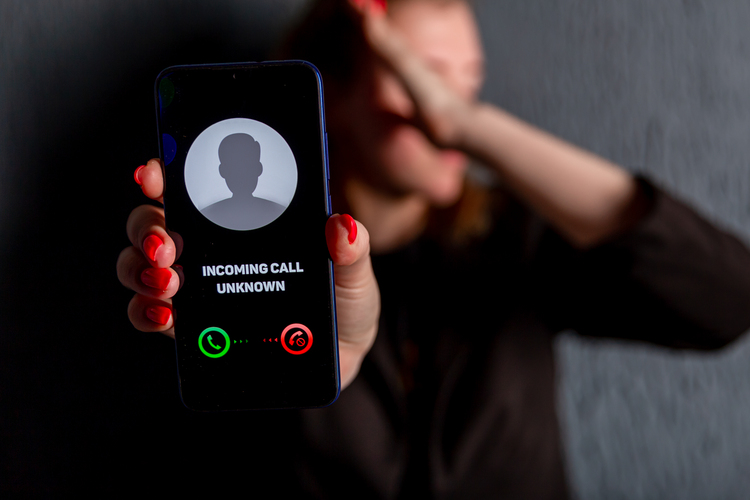
Phishing isn’t limited to emails and texts. Scammers also use phone calls—sometimes called vishing (voice phishing)—to trick people into revealing sensitive information. These calls may appear to come from banks, government agencies, tech support, delivery services, or even schools.
Here are common warning signs of a phishing call:
- The caller creates a strong sense of urgency, claiming your account will be closed, your child is in danger, or you must act immediately.
- They ask for sensitive information such as passwords, PIN codes, one-time verification codes, credit card details, or your social security number.
- The caller pressures you not to hang up or discourages you from contacting the organization directly.
- The phone number may look legitimate (caller ID spoofing), but something feels slightly off in the tone or wording.
- You’re instructed to download software, click a link sent via text, or transfer money urgently.
If you receive a suspicious call, hang up immediately. Then contact the organization using a trusted phone number from its official website. Teach your children never to share personal information over the phone—even if the caller sounds convincing or claims to represent an authority figure.
Fake Websites and Fake Login Pages
Phishing sites and fake login pages use several tactics to trick users into revealing sensitive information. Phishing websites deceive users into thinking they’re interacting with legitimate entities, with the goal of persuading them to input personal information such as credit card numbers or login details. Cybercriminals often create fake websites that look uncannily like the real one, down to branding, colors, font, page layouts, and content, making them very difficult to spot. These spoof websites may be linked by phishing emails, direct messages, malicious QR codes, and more.
Cloned login pages constitute a serious phishing threat. They may be designed as a pop-up that appears on a seemingly legitimate website and looks identical to the real one. However, when a user enters their credentials, scammers harvest them. Another way phishers steal login details is by redirecting users from a legitimate webpage to a false login form. As well as causing confusion, this gives users a sense of confidence that they’re dealing with the “real thing.”
Here are red flags that may indicate a phishing website or fake login page:
- The URL contains subtle misspellings or extra characters (for example, replacing letters with numbers).
- The domain name does not match the official website, even if the page design looks identical.
- The site does not use HTTPS encryption (look for the padlock icon in the browser bar).
- You are redirected unexpectedly to a login page.
- The website asks for excessive personal information unrelated to the service.
- The design looks slightly outdated, distorted, or contains small visual inconsistencies.
- A pop-up login window appears unexpectedly, especially on a site where you were already logged in.
When in doubt, close the page and manually type the official website address into your browser instead of clicking links.
Signs to Help Your Child Spot Phishing

fizkes/Shutterstock.com
To help prevent your child from downloading malware or inadvertently sharing their personal information with scammers, it’s important to tell them about the phishing tactics to look out for. Here’s a simple checklist to share with them:
- Malicious websites often have misspelled or unusual URL addresses. Check these carefully.
- Don’t download anything without a parent’s permission.
- Watch out for phishing links—never follow a link that takes you away from a legitimate website.
- Never respond to messages asking for personal information, including login details, and never open attachments that you haven’t asked for or are expecting.
- If you think you’re visiting a compromised website, leave it immediately.
- Look out for messages or webpages containing grammatical and spelling errors—this is a major red flag.
- Report phishing attempts—whether or not they’re successful—immediately to a trusted adult.
What to Do if You Clicked a Phishing Link or Shared Info
If you or your child has clicked on a phishing link or shared information on a phishing site, speed is of the essence. It’s important to understand that your device may already be at risk or compromised.
- If you’ve clicked on a phishing link but not yet entered any information, leave the page and close your browser immediately.
- Stop any automatic downloads straightaway. It may be too late, but this could prevent data breaches or malware from being installed on your device. Check that no files have already been downloaded by looking at recent files in your download folder.
- Disconnect from the internet. This can help stop malware from transmitting harvested personal data back to phishing scammers.
- Backing up your device is recommended, in case malware deletes or corrupts your files during another attack. Back up only essential files to reduce the risk of copying over malicious programs once your system is restored.
- The next step is to scan your device for malware. Many anti-virus software options provide advanced phishing protection as well as scanning capabilities, and can get rid of any malware installed on your device by a phishing scam.
- If you think you’ve clicked on a phishing link, it’s vital to update your passwords on any at-risk accounts (or, ideally, all your online accounts) to prevent cybercrooks from accessing them.
If your financial information has been shared in a phishing attack, contact your bank and credit card companies to let them know what’s happened. Contact the major credit reference agencies to place a credit freeze or fraud alert on your credit report, to prevent scammers from taking out credit in your name or assuming your identity.
Finally, report the phishing attempt to the Internet Crime Complaint Center. You can also find information about staying safe from phishing and other online attacks on their site.
Phishing Prevention: Habits and Technical Measures to Follow
When it comes to phishing prevention, following some simple habits and steps can make a big difference in keeping you protected.
Check Links
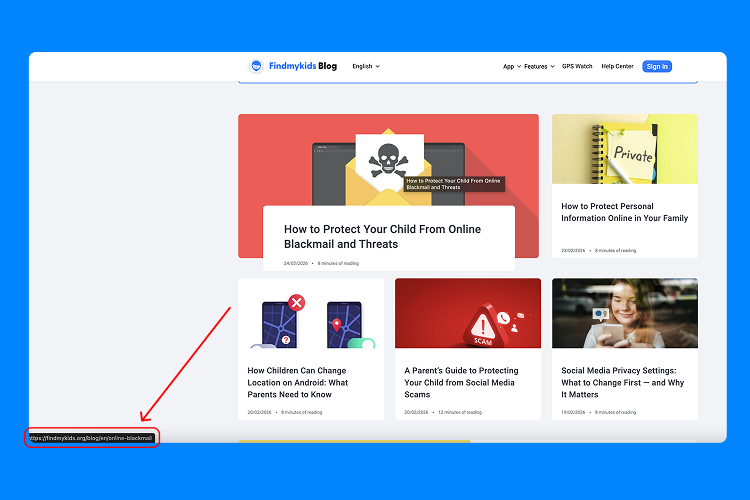
Malicious URLs are a tried and tested tactic used by many phishers, and it can be tempting to click without thinking. As well as looking out for misspellings or shortened domain names, you can check a link without clicking on it.
To do this on a computer, hover your cursor over the link, and the full URL will appear at the bottom left corner of your screen or in a pop-up box. On mobile devices, long-press a link to reveal its full and real destination URL.
Take Time to Think
Most phishing attacks are successful because they trick users into entering personal information before they’ve had time to properly think about what they’re doing. When it comes to anti-phishing strategies, one of the best things you can do—and teach your child to do—is simply take a moment to think before clicking a link or sharing personal information. Pause for a minute to consider whether the link or message could be a phishing attempt, and any red flags present.
Use Spam Filters
Set up spam filters on your email client and text messaging apps to avoid becoming a victim of a targeted phishing attack. These filters help quarantine or block phishing attempts, helping avoid your personal information being compromised.
Deploy Two-Factor Authentication
Always use two-factor authentication (where available) on your online accounts to bolster security. Doing so means you’ll need to provide additional security information to access your online accounts, making it harder for phishers to break into them.
Keep Your Software Up-to-Date
Combat phishing by always keeping your software up-to-date. This can patch security gaps that phishers could otherwise take advantage of to install malware on your device via a phishing link. Keep individual apps and your operating system updated for the highest level of protection.
Use Anti-Malware Software
Sophisticated phishing attacks have tricked professional anti-scammers, so it’s not surprising that us everyday folks, can easily get caught out. It’s a good idea to install high-quality, reliable anti-malware and anti-virus software on all your devices that connect to the internet. Such software deploys technical security measures around phishing detection, malware and virus removal, and more.
Anti-Phishing Tools and Technologies
Anti-phishing tools help protect you from phishing attacks by automatically identifying and blocking suspicious links, activity, messages, and attachments. Here are some of the common tools and technologies.
Anti-Virus Software
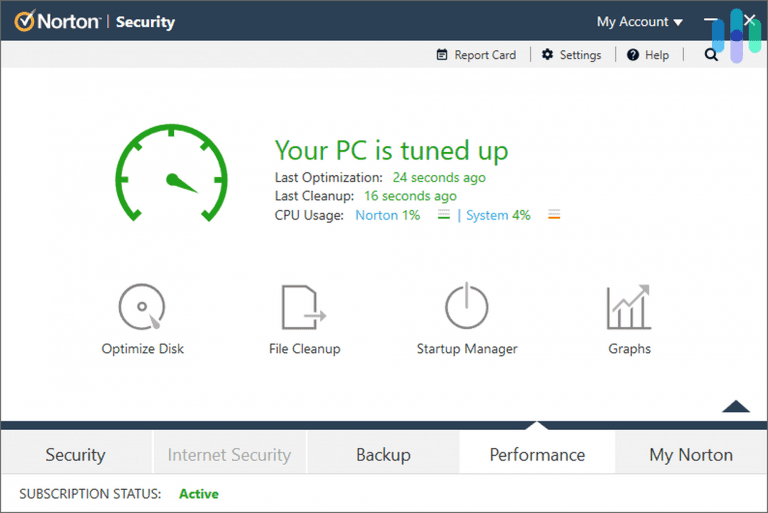
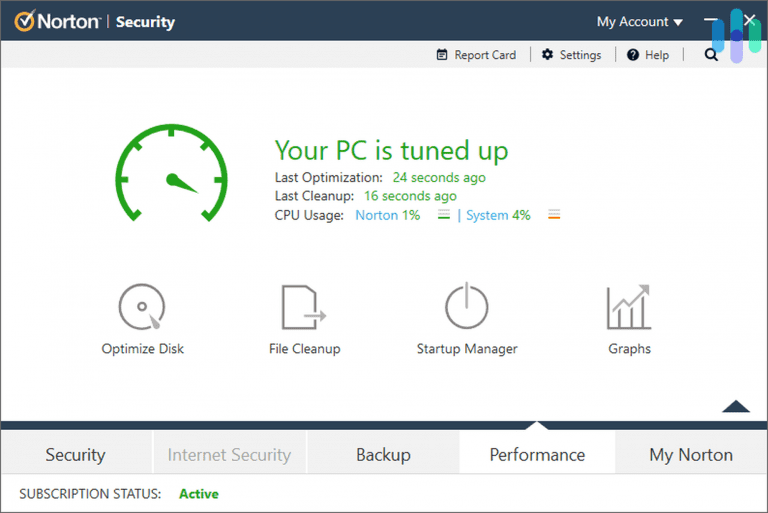
Norton 360. Credit: security.org
As we touched on above, anti-virus software plays an important role in defending against phishing attacks. This type of software typically uses signature-based detection to match known phishing sites and threats and identify newly emerging risks. It also scans incoming messages for malware.
Examples of anti-virus software that include anti-phishing protection:
- Norton 360 — offers real-time web protection and blocks known phishing websites.
- Bitdefender Antivirus Plus — includes advanced anti-phishing and anti-fraud filtering.
- McAfee Total Protection — provides web protection and suspicious link detection.
- Kaspersky Internet Security — uses cloud-based threat intelligence to detect phishing attempts.
Email Filters
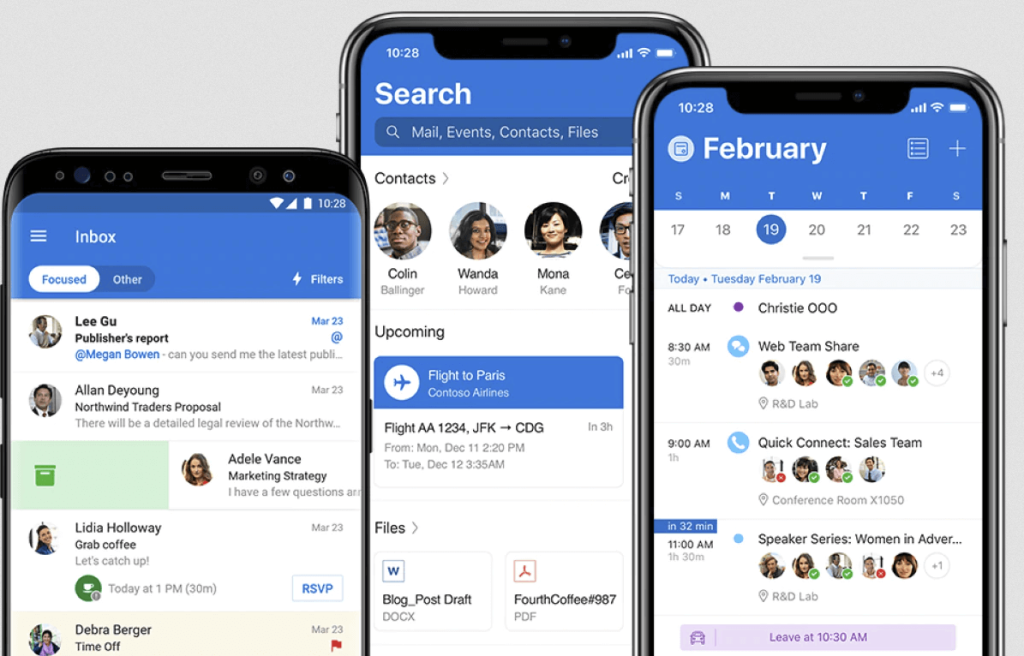
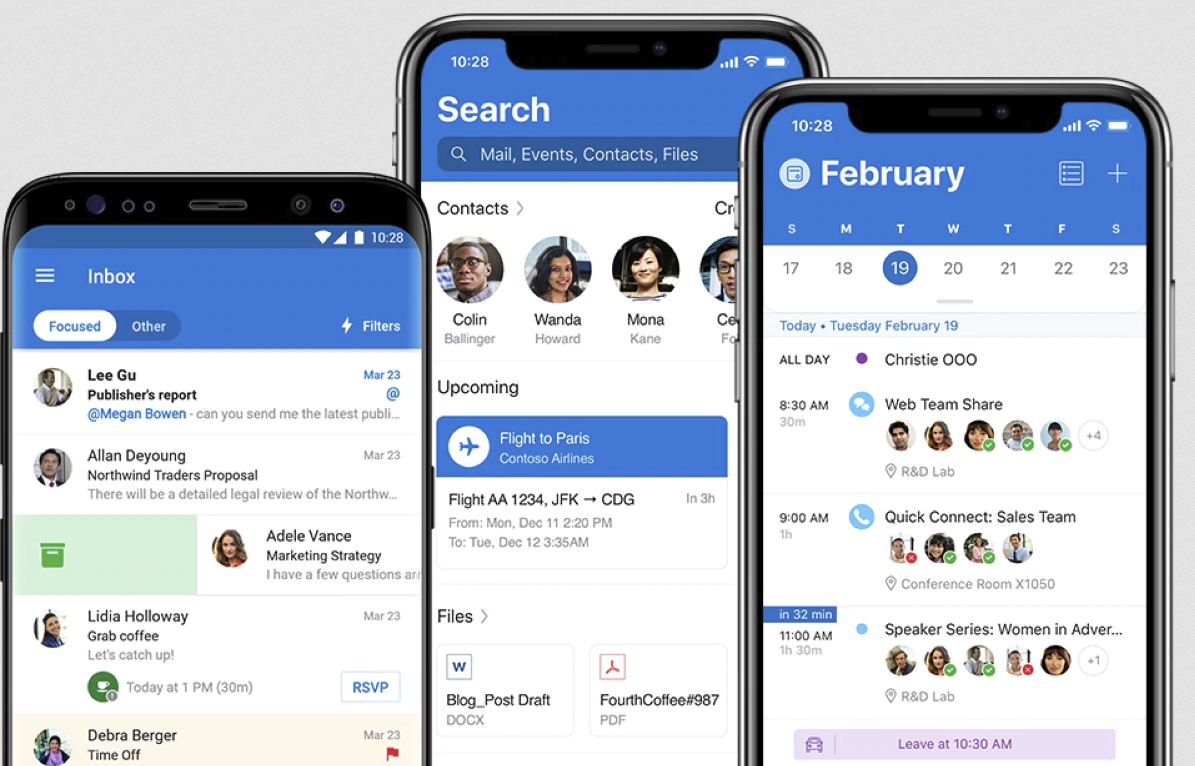
Microsoft Outlook. Credit: it.miami.edu
Email filters analyze incoming messages, including subject line, sender, attachments, embedded links, and content. These filters mark suspicious emails as spam and either block or delete them.
Examples of email filtering solutions:
- Gmail — automatically flags suspicious emails and phishing attempts.
- Microsoft Outlook — uses built-in spam and phishing filtering tools.
- Microsoft Defender for Office 365 — provides advanced threat protection for business users.
- Proofpoint Email Protection — enterprise-grade phishing detection.
- SpamTitan — cloud-based spam and phishing filtering.
Authentication Solutions
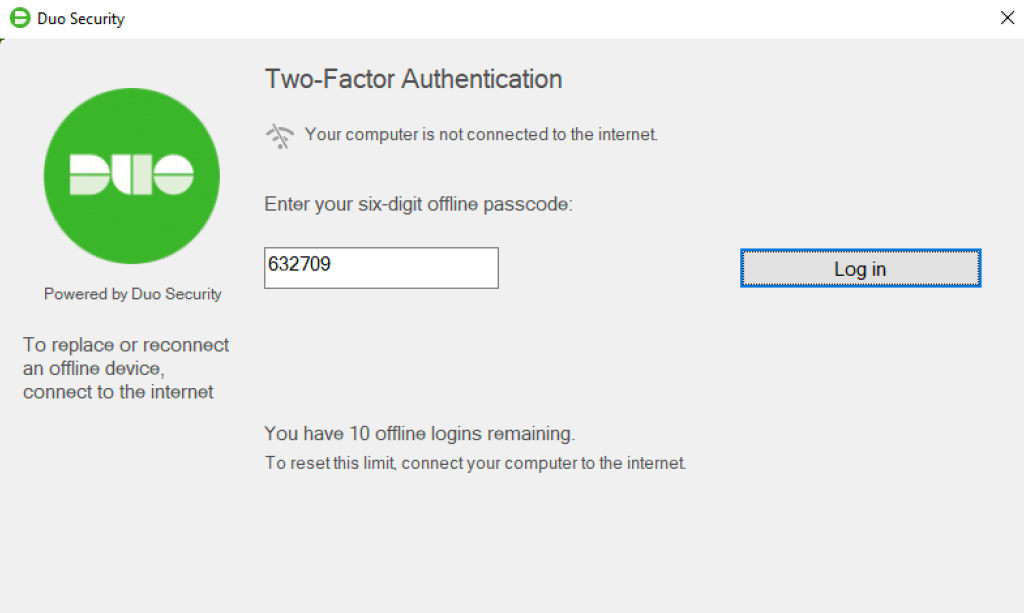
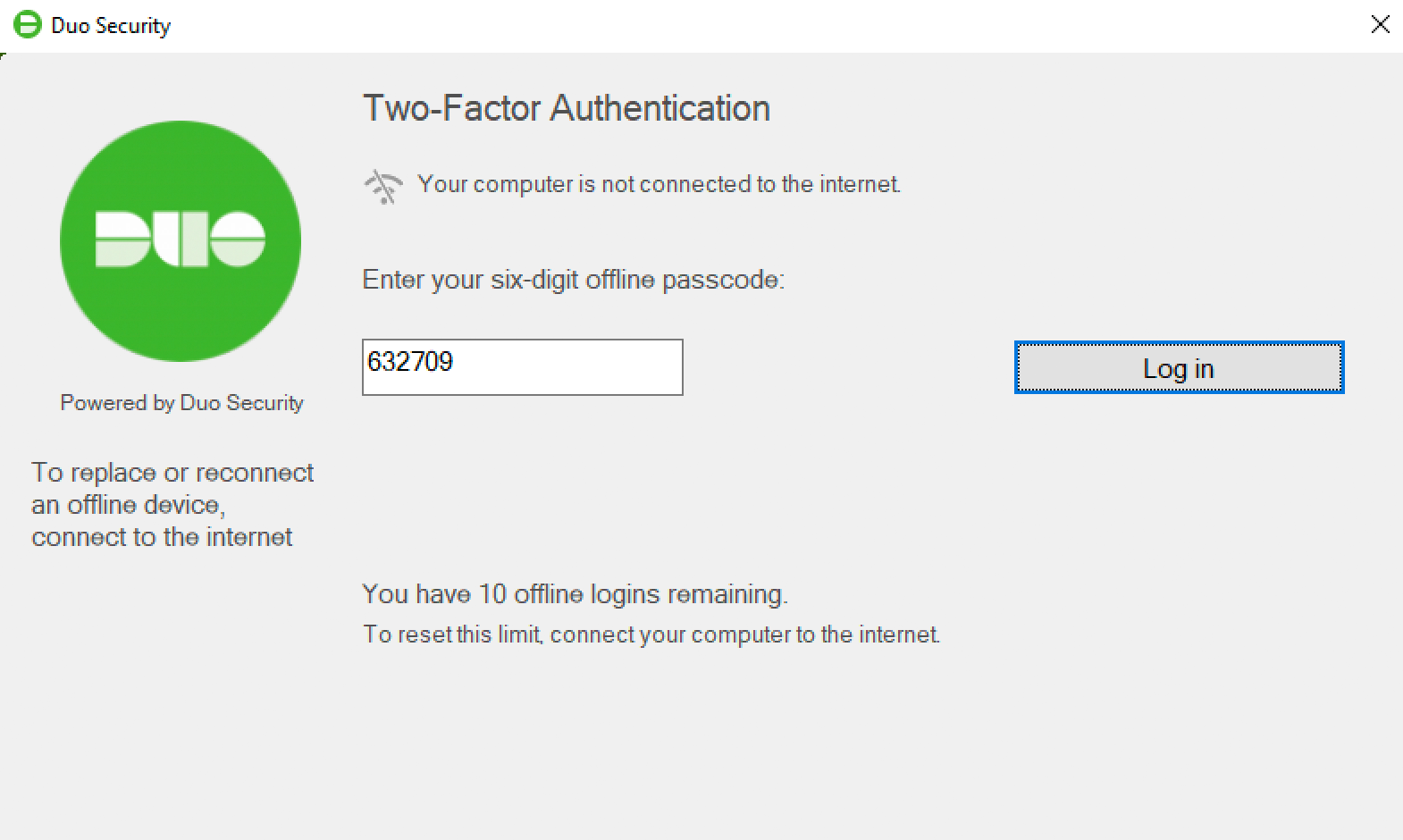
Duo Security. Credit: guide.duo.com
These solutions include multi-factor authentication (MFA), requiring users to provide two forms of identification to access their online accounts, thereby deterring scammers and phishers. To prevent SMS phishing, SMS-based MFA sends a unique code to a user’s device (after they’ve entered their password), making it challenging for a scammer to access their account.
Examples of authentication solutions:
- Google Authenticator — generates time-based one-time passwords.
- Microsoft Authenticator — supports passwordless sign-in and MFA.
- Authy — offers encrypted cloud backups of authentication tokens.
- Duo Security — enterprise-level MFA solution.
- Okta — provides identity and access management for organizations.
Firewalls
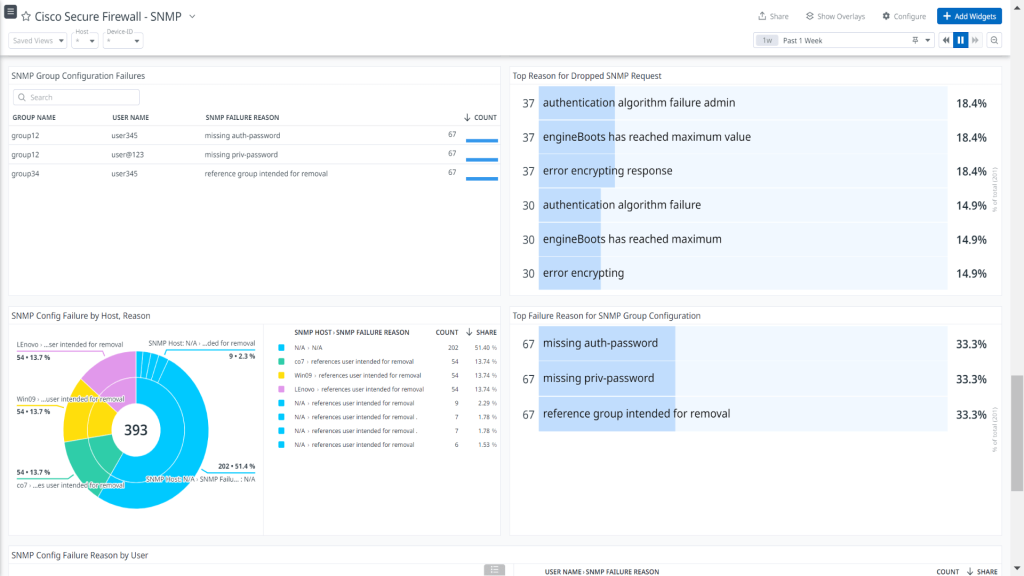
Cisco Secure Firewall. Credit: encrypted-tbn0.gstatic.com
Firewalls prevent unauthorized access to a network and control network traffic. They can be configured to block both outgoing and incoming traffic based on criteria like destination IP address, source IP address, and port number. By blocking traffic from known phishing IP addresses and domains, firewalls can help keep phishers from reaching targeted users.
Examples of firewall solutions:
- Windows Defender Firewall — built-in firewall for Windows devices.
- ZoneAlarm — a personal firewall with phishing protection features.
- Cisco Secure Firewall — an enterprise-level firewall solution.
- pfSense — customizable open-source firewall.
- Sophos Firewall — integrates firewall and threat intelligence.
Browser Extensions
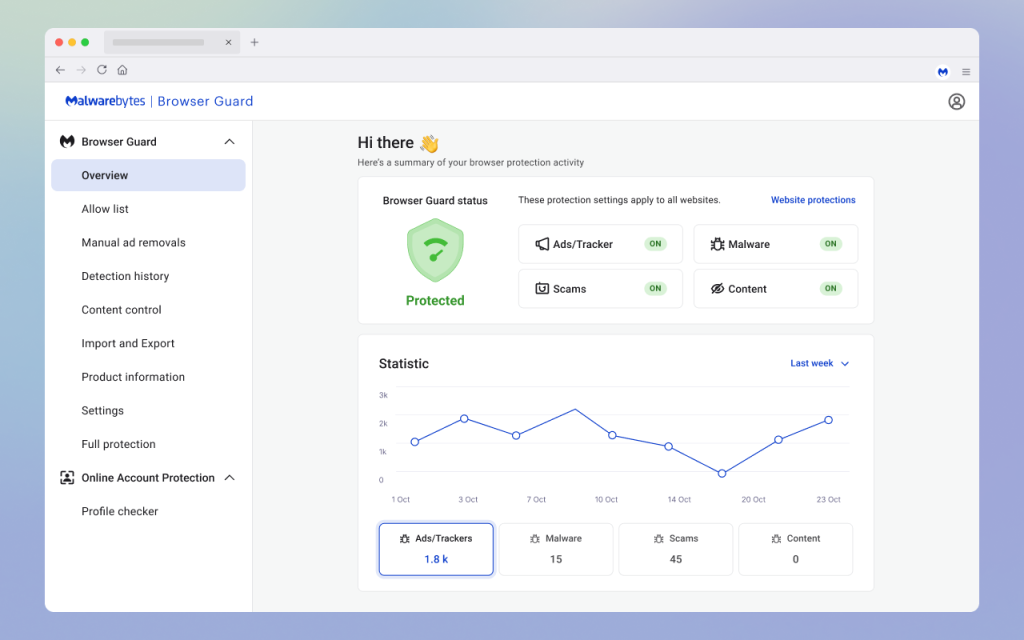
Malwarebytes Browser Guard. Credit: addons.mozilla.org
By using databases of known phishing sites and heuristics, browser extensions analyze websites in real-time to assess whether they’re safe to visit. If they detect a potentially malicious site, these extensions warn users so they can leave it before making a fraudulent transaction, downloading a suspicious attachment, clicking a malicious link, or entering sensitive information.
Examples of browser-based protection tools:
- Netcraft Extension — alerts users about phishing and malicious websites.
- Avast Online Security — blocks malicious links and trackers.
- Bitdefender TrafficLight — scans webpages in real time.
- Microsoft Defender SmartScreen — built into Microsoft Edge for phishing protection.
- Malwarebytes Browser Guard — blocks scam sites and malicious ads.
Parental Control App

Findmykids app
While teaching children to recognize phishing is crucial, parents often need a reliable tool to stay aware of online activity and protect their child’s safety in real time. One option is Findmykids.
Findmykids helps parents monitor digital habits without reading private messages. On Android devices, you can see which messaging and social apps your child uses most often, helping you spot unusual activity early.
The app also allows you to set screen time limits and block specific apps—either permanently or for a set period of time, such as during school hours or at night.
In addition to digital monitoring, Findmykids includes offline safety features like real-time GPS tracking, location history, safe zones with alerts, battery level monitoring, and an SOS signal for emergencies—helping parents stay connected both online and offline.
Explore Findmykids to add an extra layer of protection to your child’s digital and real-world safety!
Keeping Your Family Safe from Phishing Attacks
Phishing awareness is the first step in steering clear of—and helping your child avoid—phishing attacks. This type of attack, if successful, can have serious consequences, with scammers using harvested sensitive information to commit identity theft, open new accounts in your name, or make fraudulent purchases. Use our guide above to recognise the signs of a phishing attempt and stay one step ahead of the scammers.
FAQs
What is phishing in simple words?
Phishing attacks aim to damage or steal personal data by tricking people into revealing personal information such as their credit card numbers or passwords.
How do I know if an email is phishing?
Red flags to look out for that could suggest a phishing email include misspellings or grammatical errors in the subject line and/or content, if the email is from a sender you don’t know, uses urgent or threatening language, or uses a generic greeting rather than your name. Other markers that suggest a phishing email are spoofed email domains that look similar to legitimate ones, unusual links or attachments, or offers that seem too good to be true.
What’s the difference between phishing and spear phishing?
Whereas a phishing attack typically targets a large number of users and the sending of generic emails, spear phishing is aimed at specific organizations and individuals, with scammers often using information personal to the victim to make the attempt more convincing.
Cover image: rawpixel.com / Freepik.com
Проверьте электронный ящик