logologoText
logologoText
faq
menu

Care for your older parents with a family tracking app

FindMyKids is a family locator app that helps you care for older loved ones. Stay confident in their safety, health, and comfort even when you’re apart

FindMyKids app on a phone and a smiling elderly man with his daughter
  • 4.6

    based on 1 million reviews

  • 3.5M

    people use us monthly

  • 180

    countries worldwide coverage

Download FindMyKids

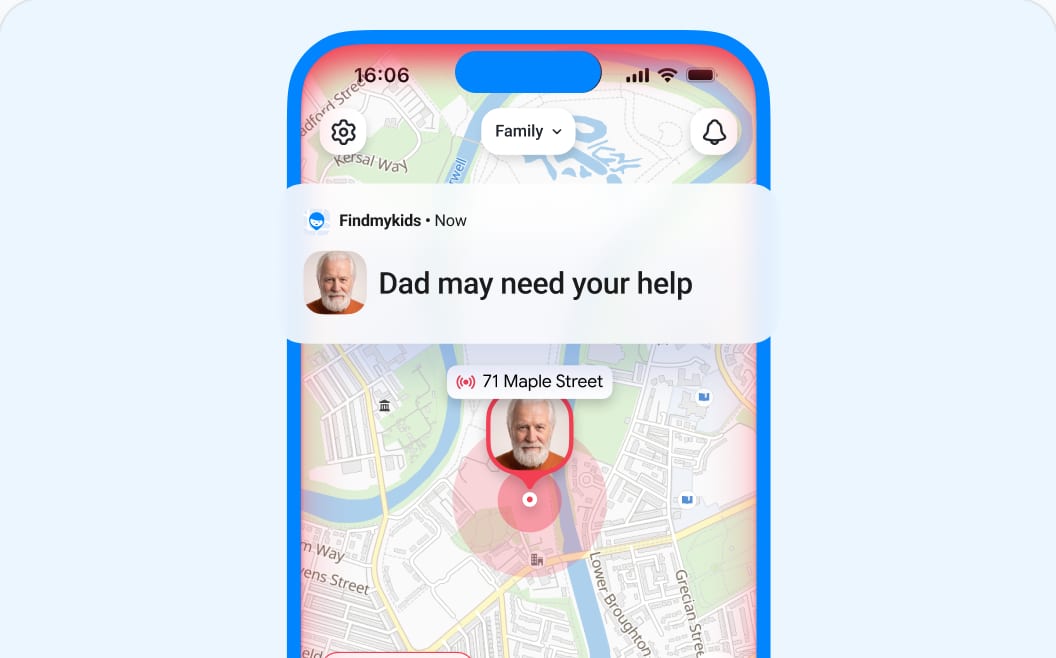
Where is Dad right now?

See if he’s where he planned to be without calling and interrupting his day. A simple senior safety app helps you stay connected

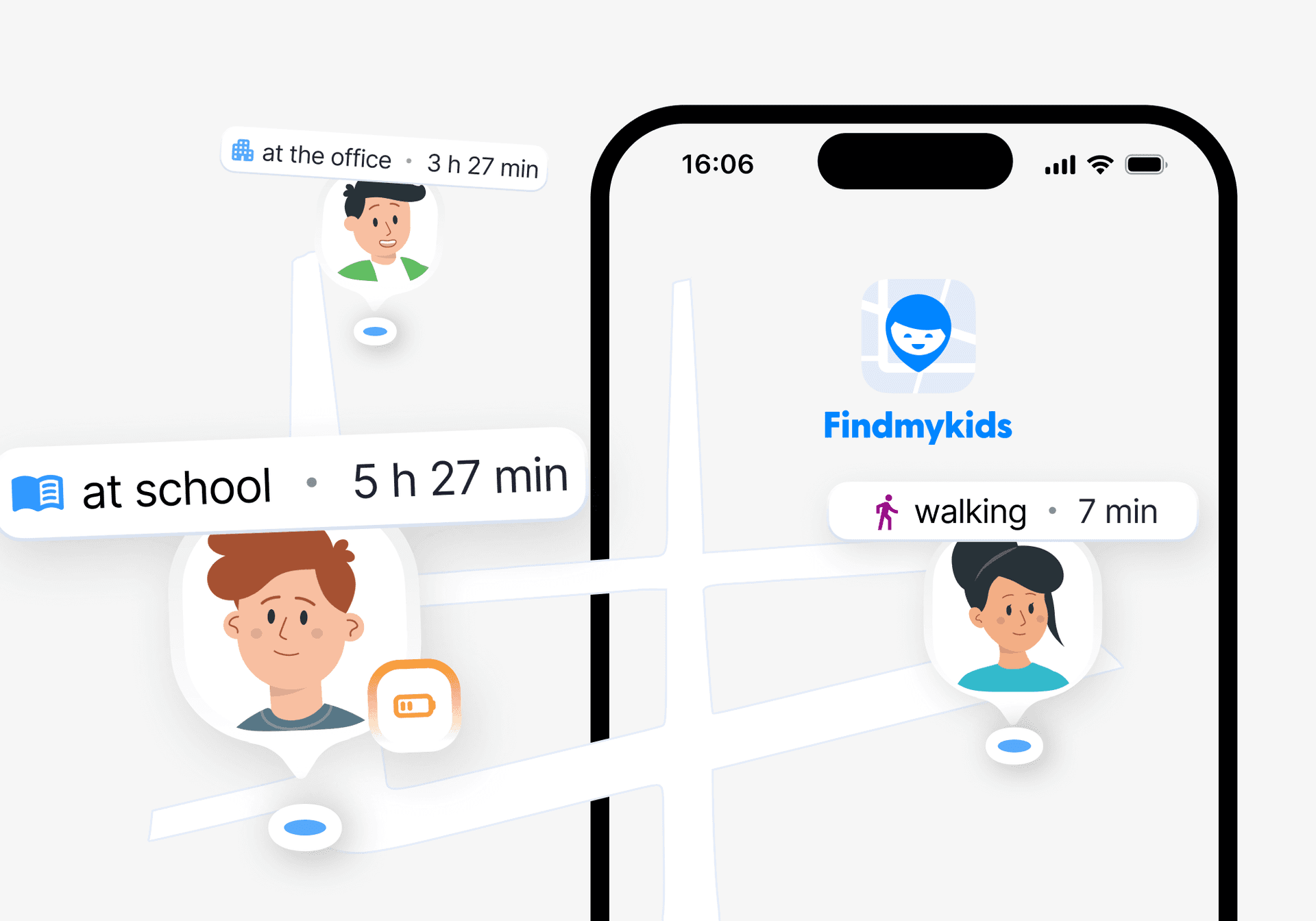
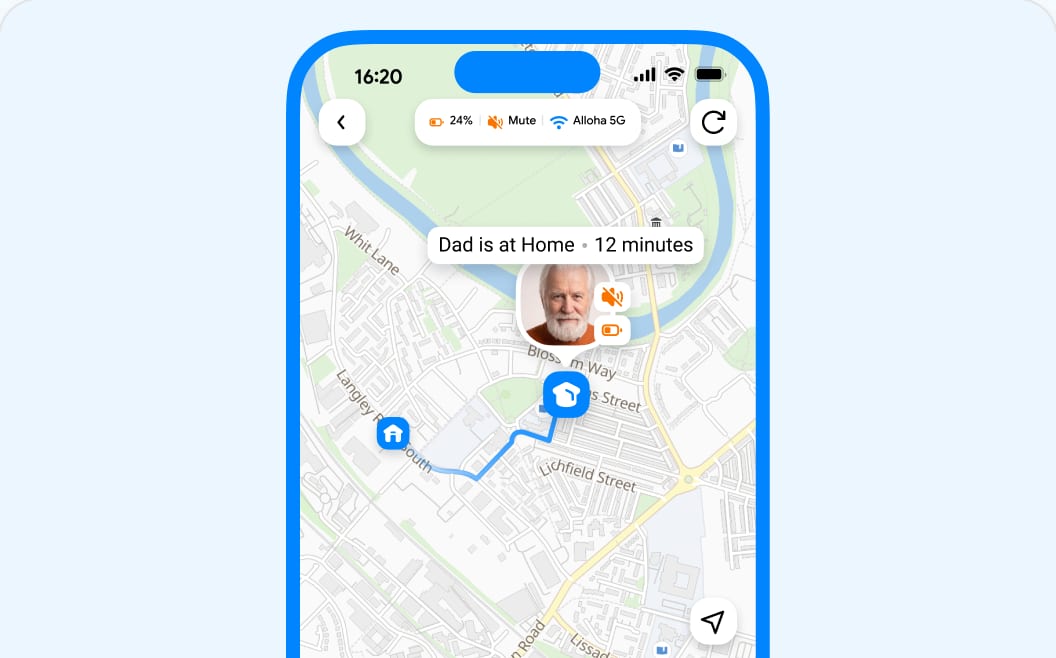
Real-time location

A gps tracker for aging parents lets you see where your loved ones are on the map and check that their route hasn’t changed unexpectedly

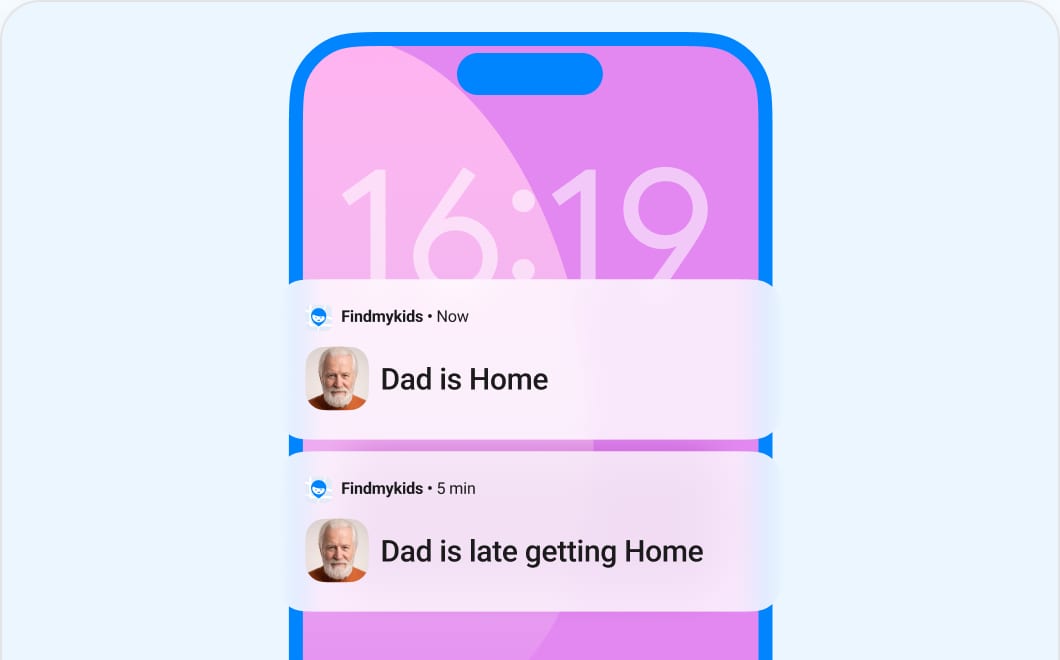
Smart Place alerts

Add important places like a clinic, summer cottage, or grocery store. Get alerts with a senior care app when your parent arrives or leaves

SOS button

One tap on the phone widget sends an emergency alert to all family circle members with current coordinates

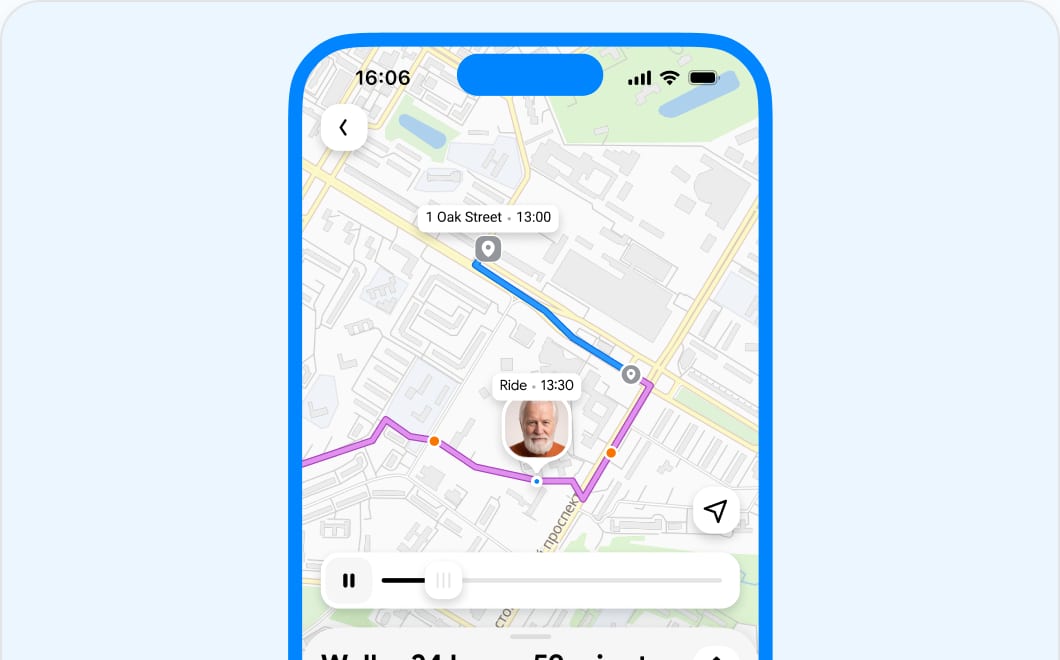
Location history

Track your parent’s location history to check their routes and ensure they’re safe or to track where they were to find a lost phone

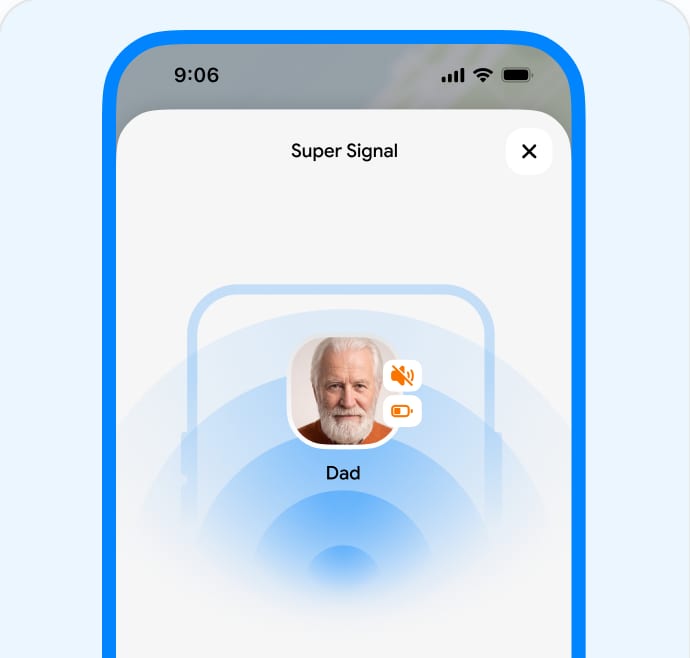
Super Signal

Reach your loved one even if their phone is accidentally set to silent mode

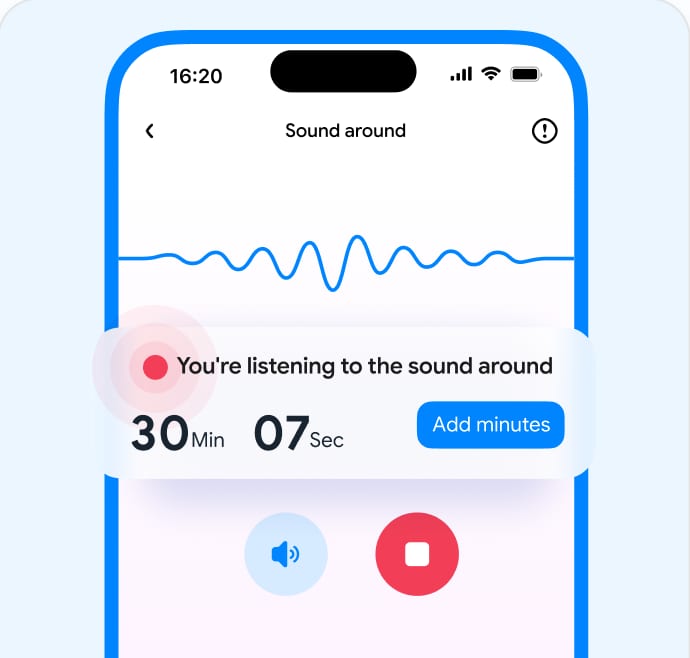
Sound Around

If your parent doesn’t answer the phone, listen to ambient sound with a simple aging care app to make sure they’re safe (available on Android)

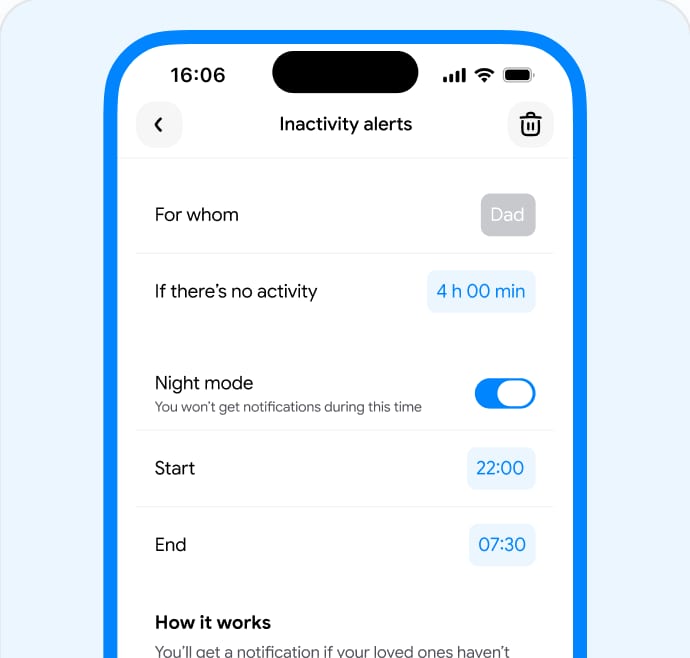
Inactivity alerts

You’ll get a notification if your loved ones haven’t used or moved with their phone for a while

3 simple steps to parent safety with a family location sharing app

You’ll need only 5 minutes and your parent's phone

  1. Download the FindMyKids app on your smartphone

  2. Install the FindMyKids app on your parent's phone or buy a GPS watch

  3. Have peace of mind about your parent's safety 24/7

FAQ

A family tracking app lets family members see each other’s real-time location and offers safety features in case of an emergency. This is especially helpful for tracking elderly parents, particularly if they suffer from dementia.

FindMyKids offers safety features such as an SOS signal, which allows an elderly parent to alert adult children when they need help—for example, after a fall or if they become lost. If an elderly parent doesn’t answer their phone, family members can also send a Super Signal to get their attention or use Sound Around to hear what’s happening nearby.

The best app to track family members while still respecting their privacy is the FindMyKids app. This family safety app shares real-time location, route history, and even the phone’s battery level. It also comes with safety features like an SOS signal in case of emergencies, Super Signal if the person’s phone is on silent, and Sound Around to listen to what’s going on around your family member. FindMyKids only shares information necessary for your family members’ safety and never shares it without permission.
When choosing a fall detection watch for a senior, make sure it is compatible with the FindMyKids app. If the senior falls and needs help, they can use the watch to send an SOS signal through the app, notifying family members that they need assistance. Adult children can then contact emergency services and share the senior’s location if immediate help is needed.

A GPS tracker for a person with dementia can be either a wearable device, such as a smartwatch, or a family tracking app that works with phones and compatible watches. The best option depends on the person’s habits and needs: some people are more likely to carry a phone, while others may find a watch easier to use.

FindMyKids works with smartphones and compatible smartwatches, helping family members stay connected and know where their loved one is. The app can show real-time location, route history, and notifications when a person arrives at or leaves saved places. It also offers an SOS signal, which allows the person to alert family members when they need help, and Sound Around, which can be useful if they do not answer their phone.

The best family location sharing app is FindMyKids, which lets families track the real-time locations of both children and adult members. It provides information such as route and location history, frequently visited places, and details about how long someone spent in a specific place. Safety features include arrival and departure notifications from designated locations like school, work, or activities, an SOS signal in case of emergencies, and Super Signal to get someone’s attention if their phone is on silent.

A GPS tracker for a person with dementia can be a wearable device that uses GPS to share their location with family members. Ideally, the device should be compatible with a family tracking app such as FindMyKids. The app can show the person’s real-time location, route, and location history, as well as send notifications when they arrive at or leave a saved place.

FindMyKids also offers an SOS signal safety feature, which lets dementia patients send an alert with a touch of a button with their current location. The Sound Around feature is also helpful in case the patient does not answer their phone because caretakers can listen to what is going on around them through the device’s microphone.

A senior safety app can help family members stay connected with an elderly person who lives alone. With FindMyKids, family members can see the senior’s location, receive notifications when they arrive at or leave saved places, and use Super Signal or Sound Around if the senior does not answer the phone. If the senior needs help, they can also send an SOS signal to alert their family.
When looking for a GPS watch for elderly parents or family members, one thing you want to check is that it offers GPS location tracking and is compatible with the FindMyKids app. These two features allow the watch to share the real-time location of the elderly person while also accessing important safety features such as location notifications, SOS, Super Signal, and Sound Around built into the FindMyKids app. It’s also a good idea to make sure the watch’s battery holds a long charge and is easy to use.
Choosing the best GPS tracker watch for elderly parents requires researching the device’s operating software, battery life, ease of use, and compatibility with family safety apps like FindMyKids. Prioritize a GPS watch with accurate location tracking, long battery life, and a simple interface that elderly parents can navigate easily. The main feature to look for is that it works with FindMyKids as this is what families use to access location information and safety features.
Yes, it is possible to see where your elderly parent is without calling them when you use a family tracking app like FindMyKids. When you download the app to both your device and your parent’s device, you can see their real-time location, location history, route, and frequently visited places. In just seconds, you will know where your parent is without having to pick up the phone and call them. This is especially helpful if your parent doesn’t hear their phone or forgets to turn up the ringtone volume.
FindMyKids allows a person to send an SOS signal by tapping the SOS button on their phone or compatible smartwatch. The alert notifies family members and shares the person’s current location. Family members can also use Sound Around to hear what is happening around the device. FindMyKids can also show information about the person’s movements, including their route, distance traveled, stops, and time spent on the road. This information can help family members assess the situation and contact emergency services if needed.
If an elderly parent needs emergency help, they can send an SOS alert to connected family members through FindMyKids. The SOS button is available in the app on the phone, through a quick-access widget, or as a physical button on compatible smartwatches. The alert shares the parent’s current location, so family members can quickly see where they are. They can also contact the parent, use Sound Around to hear what is happening nearby, and contact emergency services if needed.
No, FindMyKids is not difficult to set up for an elderly parent. It takes just a few minutes to download and configure the apps. First, the primary family member must download the app to their phone and create an account. This will generate a unique code, which they will input in the FindMyKids app downloaded on their family member’s phone. The step-by-step instructions will tell you exactly how to configure the phone’s settings to allow real-time location sharing. Once set up, the app is very easy to use and intuitive for all ages.
If your parent doesn’t answer the phone, FindMyKids has the Super Signal, which sends an alert on high volume even if the phone is on silent or Do Not Disturb. If they still won’t answer, you can use the Sound Around feature to activate the microphone on your parent’s phone and listen to what is happening around them. And if you’re wondering where they are, you can always check their real-time location in the FindMyKids app.

Surround your loved ones with care today

Join millions of families who rely on a gps locator for aging for peace of mind and confidence in their loved ones' safety

Try for free
Check tips and tricks about aging care in our blog