
















Did you know that 1 in 9 people in the United States use Life360 to share and track their family members’ locations? And with 86% of parents tracking their child’s location, Life360 may seem like the obvious choice when it comes to family locator apps.
However, due to app feature limitations and pricey membership plans, some families look for Life360 alternatives that can actually help them track their children, set healthy digital boundaries, and keep their families safe. In this post, you will find the best app alternatives to Life360, plus when each one could be suitable for your family’s situation.
Key Takeaways
- Life360 is popular, but it’s not the only family locator app available. Alternatives may offer stronger parental controls, detailed location history, screen time management, and free location sharing.
- Findmykids is the best all-around alternative for parents who want real-time location tracking, place alerts, driving reports, and digital controls in one app.
- Kids360 and Google Family Link focus more heavily on screen time and device supervision, while Apple Find My and Google Maps provide simpler location-sharing.
- Consider your family’s devices, budget, privacy needs, and primary safety goals before choosing an app.
Contents:
Best Life360 Alternatives at a Glance
As the table shows, Findmykids offers the most complete combination of location tracking and parental controls, while other options focus more on specific needs such as family location sharing or Android device management.
| App | Best For | Live Location | Location History | Parental Controls | Driving Safety | Free Option |
| Findmykids | Child safety & parental controls | ✅ | ✅ | ✅ | ✅ | ✅ |
| Kids360 | Real-time tracking & parental controls | ✅ | ✅ | ✅ | ❌ | ✅ |
| Google Family Link | Android families | ✅ | ❌ | ✅ | ❌ | ✅ |
| Apple Find My | Apple-only families | ✅ | ❌ | ❌ | ❌ | ✅ |
| Google Maps | Simple sharing | ✅ | ⚠️Limited | ❌ | ❌ | ✅ |
| GeoZilla | Family tracking | ✅ | ✅ | ⚠️Some | ⚠️Some | ✅ |
⠀
The table gives you a quick overview. Next, we’ll take a closer look at each option and what it offers.
Findmykids: Best Life360 Alternative for Parents
Findmykids is the best Life360 alternative for parents who want to track their kids’ locations, view location history, set screen time limits, and see how their kids use their phones. With more than 50 million downloads to iOS and Android devices worldwide, it’s clear that Findmykids is the go-to choice when families with younger kids and teens want something other than Life360.
The major difference between Findmykids and Life360 is the additional parental control features that let parents set digital boundaries. With personalized screen time limits based on your kids’ schedules, app usage statistics showing how long your kids spend on specific games or social media channels, and a remote locking feature, parents have more control over how their kids use their phones.
Ultimately, Findmykids protects your children both in real life with location sharing and the online world with parental control features.
Findmykids Features
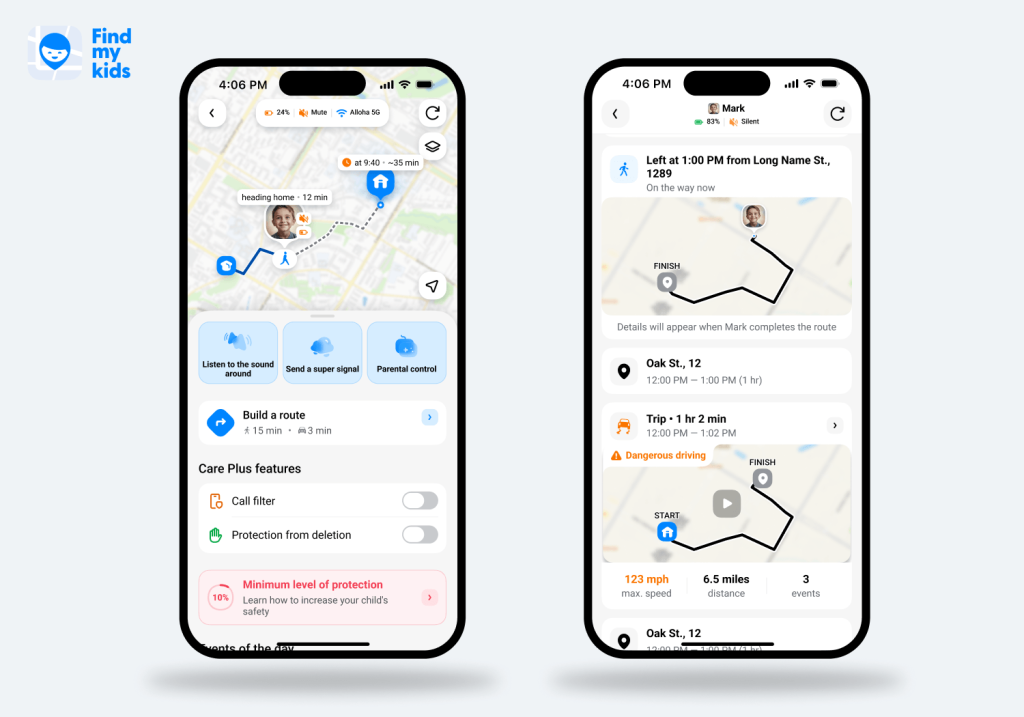
Findmykids is built with parental control features that allow parents to check in on their child’s location and digital habits. Below are the standout Findmykids features that parents use almost every day to keep their families safe.
- Real-Time Child Location: See your child’s real-time location via GPS tracking, with updates every few minutes.
- Family Circles: Create family circles to share your child’s location with trusted contacts; a great feature for when the kids are visiting a relative or staying with friends.
- Location History: View where your child has been and review their previous routes.
- Route Details: Receive a play-by-play recap of your child’s exact route with details about how long it took them to reach their destination.
- Driving Reports: When a family member gets behind the wheel, Findmykids creates a driving report with a safety score based on the driver’s maneuvers, speed, and braking.
- Frequently Visited Places: See which locations your child visits the most in an organized list.
- Saved Places: Parents can save frequently visited important locations and set instant alerts for when their child arrives or leaves.
- Place Notifications: Geofencing technology allows parents to receive location alerts when their child arrives or leaves a specific destination such as school, activities, or a friend’s house.
- Place Cards: Review details about how your child spends their time in certain places, including how long they were on their phone, what apps they used, and even who they were with.
- Sound Around: Listen in on what’s going on through your child’s phone’s microphone.
- Loud Signal: Send a loud alert to the phone to get the child’s attention, if the child’s phone is on silent.
- SOS Button: If your child feels unsafe, they can press the SOS button to alert family members and share their location.
Findmykids also goes beyond location and offline safety. Its online safety and parental control features help parents understand how their child uses their device, manage screen time, and create healthier digital routines.
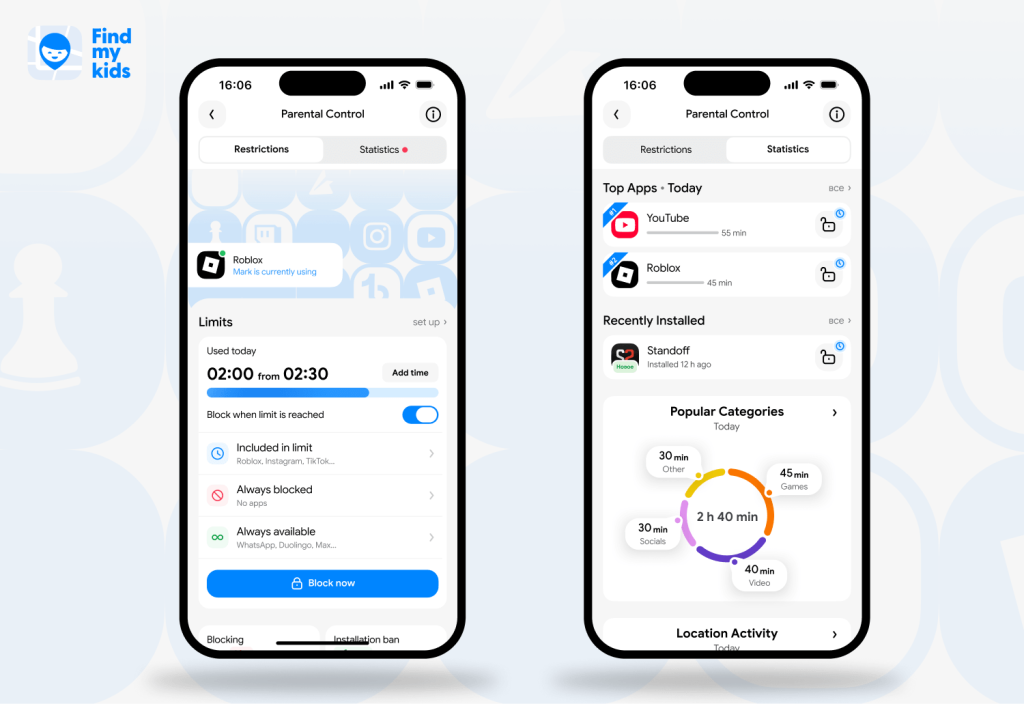
- App Usage Statistics: See how much time your child spends on their device and which apps they use most.
- Screen Time Limits: Set daily time limits for the entire device or individual apps to help balance screen use with sleep, school, and offline activities.
- App Blocking: Block distracting or inappropriate apps when needed, or restrict them according to a schedule.
- Screen Time Schedules: Create schedules for school, homework, bedtime, and other parts of the day when certain apps or device use should be restricted.
- Always Available Apps: Keep essential apps accessible even when other screen time restrictions are active.
- Content Restrictions: Restrict access to 18+ apps and, on supported devices, adult websites and other potentially inappropriate content.
- Download and Purchase Controls: Manage new app installations and in-app purchases on supported devices.
- Unknown Caller Protection: Filter unwanted or unknown callers on supported Android devices.
- Eye Rest Reminders: Encourage regular breaks from screen use and help children build healthier device habits.
Read also: Findmykids vs. Life360: Which Location-Tracking App is Best for Your Family?
Findmykids vs. Life360
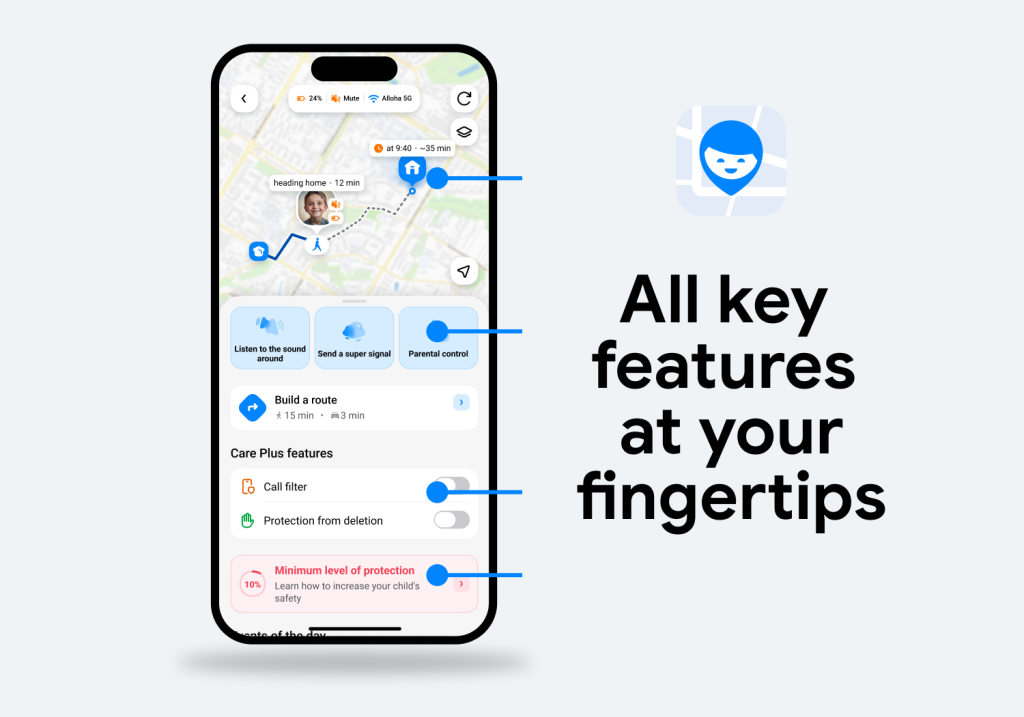
When considering Findmykids as a Life360 alternative, it’s helpful to have a full breakdown of their features side by side.
| Feature | Findmykids | Life360 |
| Real-time phone location | ✅ | ✅ |
| Arrival and departure alerts | ✅ | ✅ |
| Location history | ✅ | ✅ |
| Route details | ✅ | ⚠️ Limited |
| Frequently visited places | ✅ | ❌ |
| Place cards | ✅ | ❌ |
| SOS alert | ✅ | ✅ |
| Low-battery information | ✅ | ✅ |
| Driving reports | ✅ | ✅ |
| Crash detection | ❌ | ✅ |
| Loud Signal | ✅ | ❌ |
| Sound Around | ✅ | ❌ |
| App usage statistics | ✅ | ❌ |
| Screen time limits | ✅ | ❌ |
| Dedicated child GPS-watch support | ✅ | ❌ |
⠀
For comprehensive location tracking with history details, place notifications, exceptional safety features, and digital parental controls, Findmykids is the easy choice. It’s arguably the best Life360 alternative, providing more safety features to keep family members safe.
Try Findmykids right now for free and explore its location tracking and parental control features.
Other Life360 Alternatives
While Findmykids is the best Life360 alternative app, it might not suit what your family is looking for exactly. Below are some other Life360 alternatives to consider.
Kids360
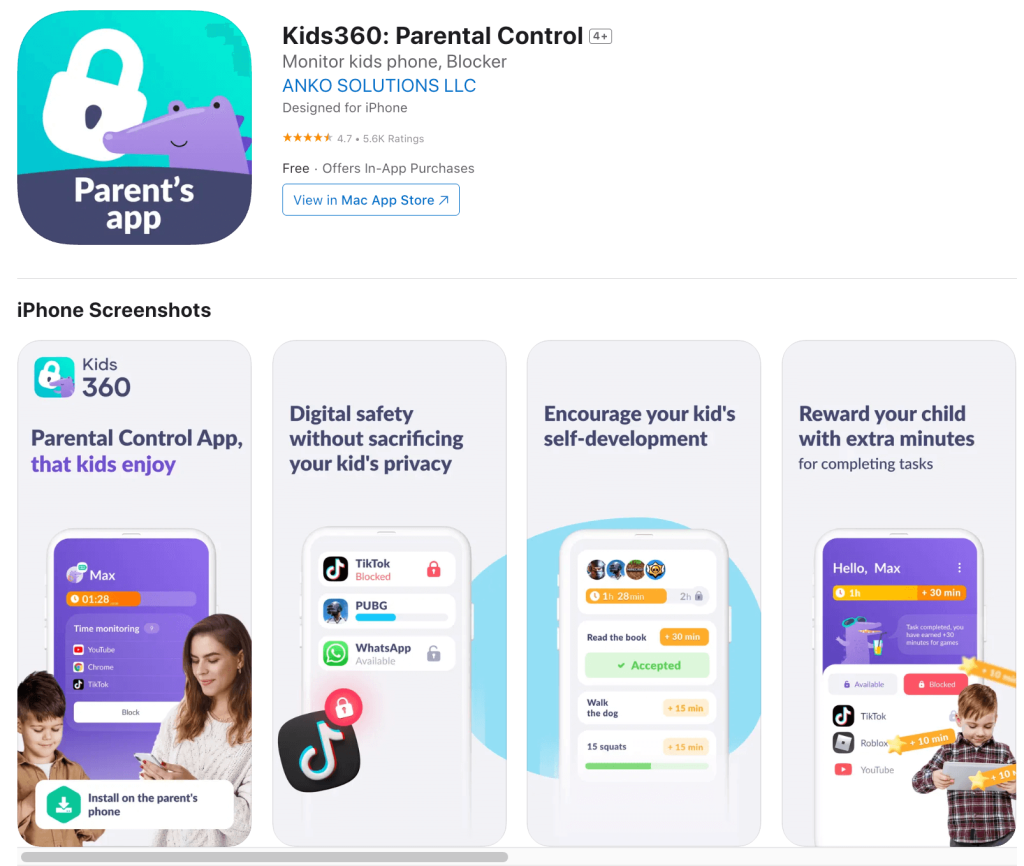
Kids360 is a parental control app that helps families manage children’s smartphones and tablets. Parents install Kids360 on their phone and the companion Alli360 app on the child’s device. This app combines screen time management, app controls, usage reports, location tracking, and tools to encourage healthier digital habits.
Features
- Children can earn extra screen time by completing developmental exercises, activities, or parent-created tasks.
- Parents can block apps, categories, downloads, purchases, or internet access.
- A Loud Signal attracts the child’s attention even when their phone is muted.
- Schedules restrict apps during homework, school, or bedtime.
Pros
- Combines parental controls with real-time location tracking
- Provides detailed app-usage reports
- Keeps essential communication available after screen time limits are enabled
- Rewards positive behavior instead of relying on restrictions
- Works across Android and iOS devices
Cons
- Requires a companion app
- Advanced tools require premium membership
- Controls may vary between iOS and Android
Google Family Link
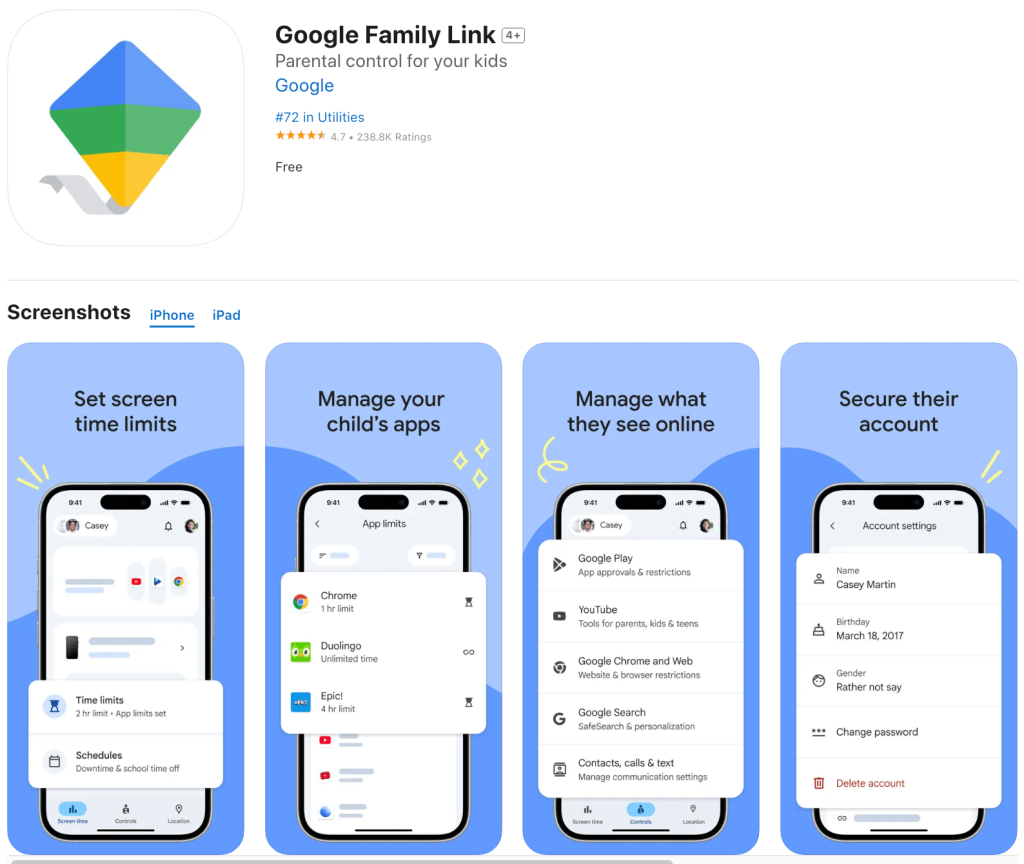
Google Family Link is a free parental control app meant for supervising a child’s Google Account. Parents can manage Android devices and Chromebooks through the Family Link App, which combines screen time limits, app controls, content filters, location sharing, and account management.
Features
- Parents can approve or reject Google Play downloads and purchases
- School Time and Downtime schedules restrict use automatically
- Apps can be blocked, limited, or excluded from daily screen time
Pros
- Free with no subscription
- Integrates with Google accounts and Android
- Provides screen time and app activity reports
- Lets parents manage permissions and content settings
Cons
- Supervision tools do not work on children’s Apple devices
- Limited support for computers
- Does not provide Sound Around or Loud Signal
- Daily limits apply separately to each supervised device
Apple Find My
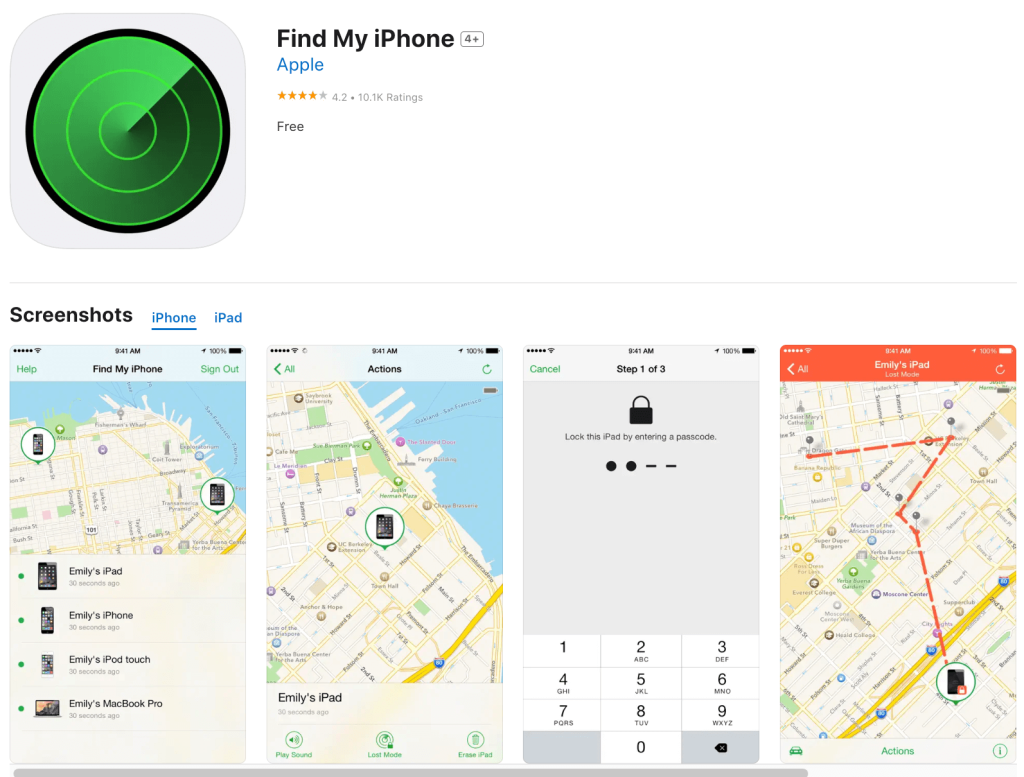
Apple Find My is a free location tracking tool built into iOS devices like iPhones, iPads, and MacBooks. Families can share locations, find missing devices, and track AirTags through the app. With the Family Sharing feature, parents can view their child’s location details and receive notifications when they enter or leave places.
Features
- The Find My network locates some devices even when offline or powered off
- Arrival, departure, and scheduled absence alerts can cover places such as school
- Lost devices can play a sound, display contact details, or be erased remotely
- Precision Finding provides directions to supported people or items
Pros
- Free and preinstalled on Apple devices
- Uses an encrypted network
- Tracks people, devices, and belongings together
- Requires little setup within Apple’s ecosystem
Cons
- Offers limited functionality outside Apple’s ecosystem
- Family members can stop sharing any time, preventing people from seeing each other’s locations
- Does not provide location history
- Lacks child-focused parental controls for their device
GeoZilla
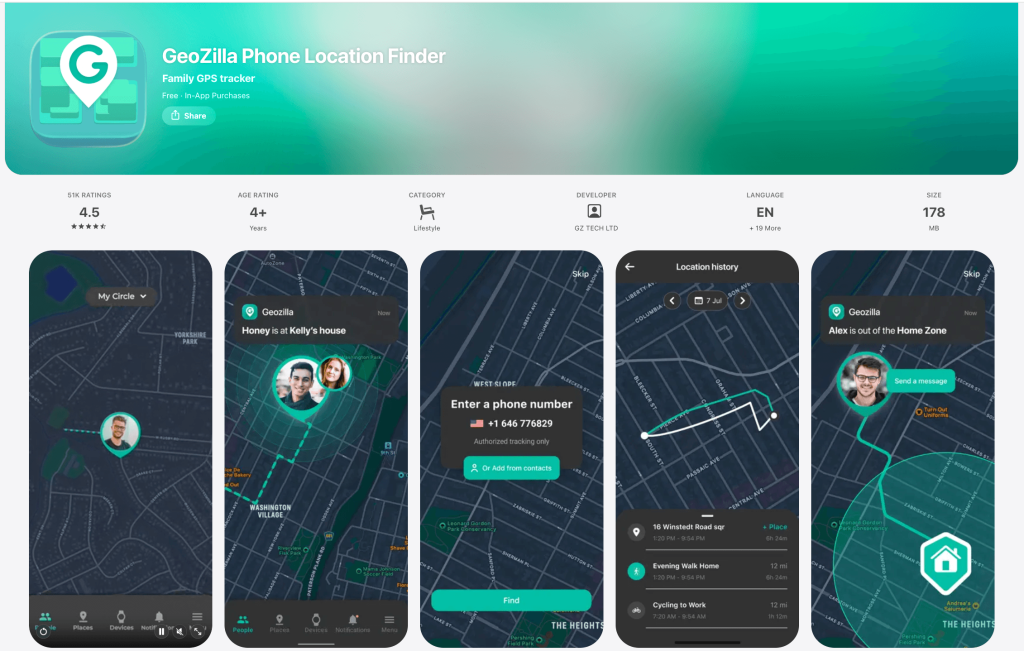
GeoZilla is a GPS location sharing and safety app for Android and iOS devices. Members can join a Circle to view their family members’ locations and receive notifications about their movements and safety. The app features GPS tracking, geofenced alerts, driving safety, fall detection, and support for GPS trackers through one app.
Features
- Crash detection alerts emergency contacts when sensors detect a collision
- Fall Detection notifies family members about a serious fall
- Driver reports identify speed alerts, phone use, and aggressive drivers
- Scheduled alerts show whether a child reached school on time
Pros
- Works across Android and iOS devices
- Connects phone and GPS trackers on one map
- Includes basic location sharing for free
- One paid plan covers all Circle members
Cons
- Location history, Place alerts, and safety features require Premium plan
- Premium provides only two weeks of location history
- Members can hide their locations using Invisible Mode
- Lacks screen time limits, app blocking, and parental controls found in other apps
Google Maps Location Sharing
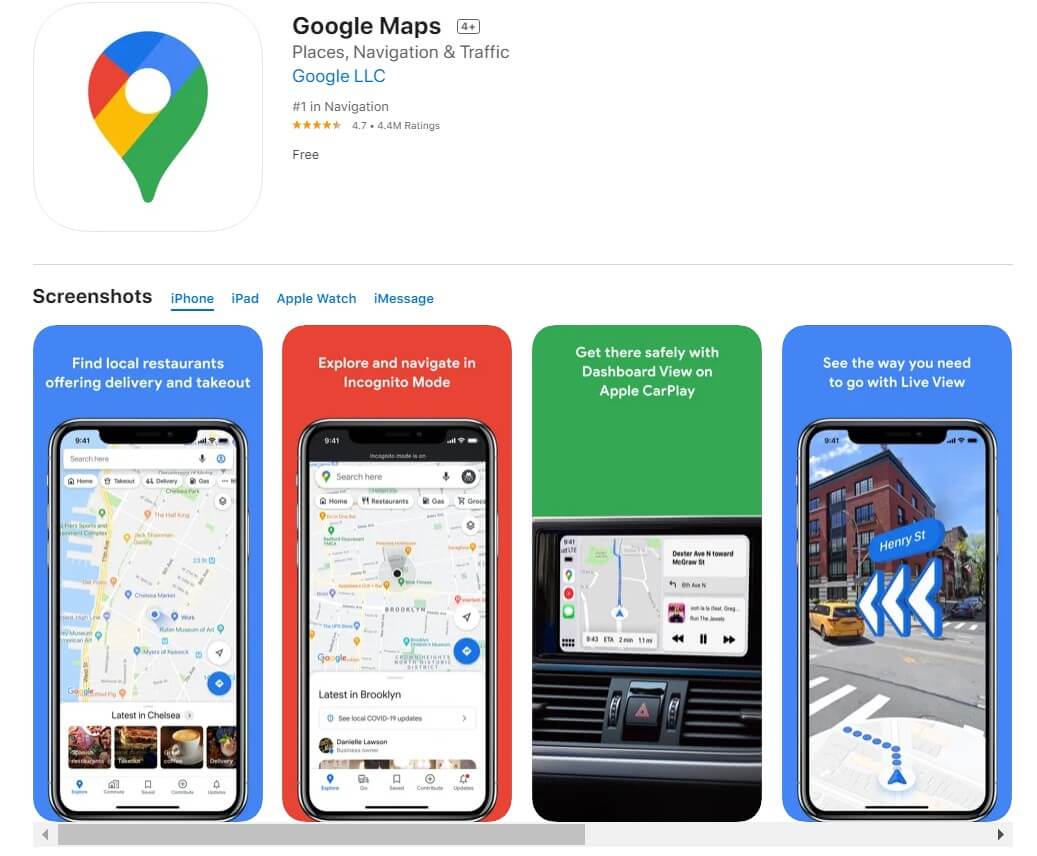
Credit: apps.apple.com
Google Maps Location Sharing is a free feature that allows users to share their real-time locations with contacts via the Google Maps app. Families can choose how long they share their location or leave it active until they stop it manually. The app allows you to see someone’s phone battery level, charging status, and real-time location data.
Features
- Share Trip Progress displays a traveler’s route, destination, and estimated arrival time until navigation ends
- Arrival and departure notifications alert contacts when someone enters or leaves a place
- Temporary links share locations with people without Google accounts
- Location Sharing works even when Timeline is disabled
Pros
- Works across Android, iOS, and desktop browsers
- Free with no subscription
- Integrates with Google Maps navigation
- Suitable for occasional or continuous location sharing
Cons
- Each person must voluntarily share their location and can stop anytime
- Does not show another person’s location history
- Lacks SOS, screen time, app-blocking, and child safety features
- Accuracy depends on permissions, connectivity, and device settings
Life360 Alternatives by Family Need
Every family locator app has its own unique features, which can make choosing the right one for your family a bit challenging. To help you decide which one is best suited for your family’s situation, we’ve broken them down based on your family needs:
- Findmykids: Ideal for parents who want detailed location tracking alongside child-focused controls, including route history, place alerts, app-usage reports, screen time management, SOS, Loud Signal, and GPS-watch support.
- Kids360: Appropriate for families primarily concerned with screen time and device habits. It works well for setting app limits, blocking inappropriate content, and letting children earn additional screen time through tasks.
- Google Family Link: Best for families using Android devices and Chromebooks who want free app approvals, content restrictions, screen time schedules, and basic location tracking.
- Apple Find My: A practical choice for Apple-only families who need simple, free location sharing and alerts without installing another tracking app.
- GeoZilla: Suitable for multigenerational families wanting to monitor children, experienced and new drivers, and older relatives through location sharing, crash detection, fall detection, and compatible GPS trackers.
- Google Maps Location Sharing: Best for families needing occasional location sharing, for example during a journey, night out, vacation, or unfamiliar trip without using a dedicated app.
Read more: True Stories: How Findmykids Helps Parents Keep Kids Safe and Close.
How to Choose the Right App for Your Family
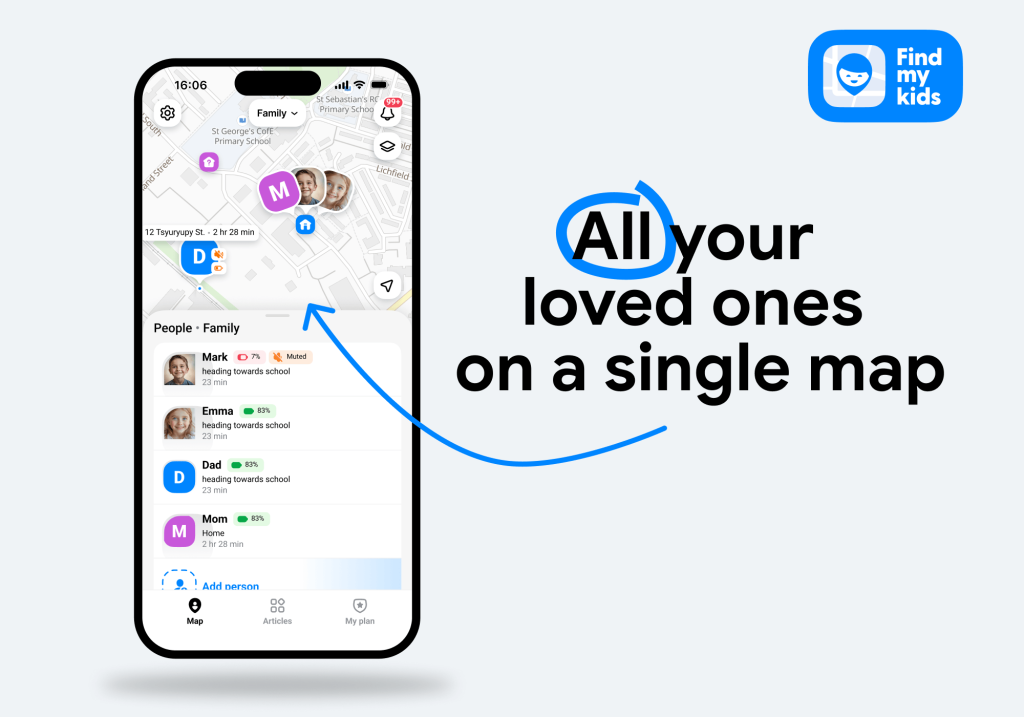
Aside from the features these apps offer, there are other considerations when choosing the right app for your family.
The first is cost. Many third-party location-tracking apps require premium subscriptions to access all of the safety features and data. Monthly costs can range from $5.99 to $19.99 per month, depending on which app and membership you choose.
You should also compare emergency services carefully. Some apps provide only emergency alerts, while certain paid services may include coordinated emergency response or emergency dispatch.
Additionally, it’s also important to consider the app’s data handling practices. Apps that track sensitive information like location data and device usage should have strict privacy policies and limit data-sharing with data brokers, especially when children are involved.
Ultimately, choosing the right app for your family comes down to your primary goal and how you plan to use it within your parenting. Can you see yourself implementing its features into your daily routines? If so, then that app could be right for you.
Find a Family Locator App Alternative to Life360
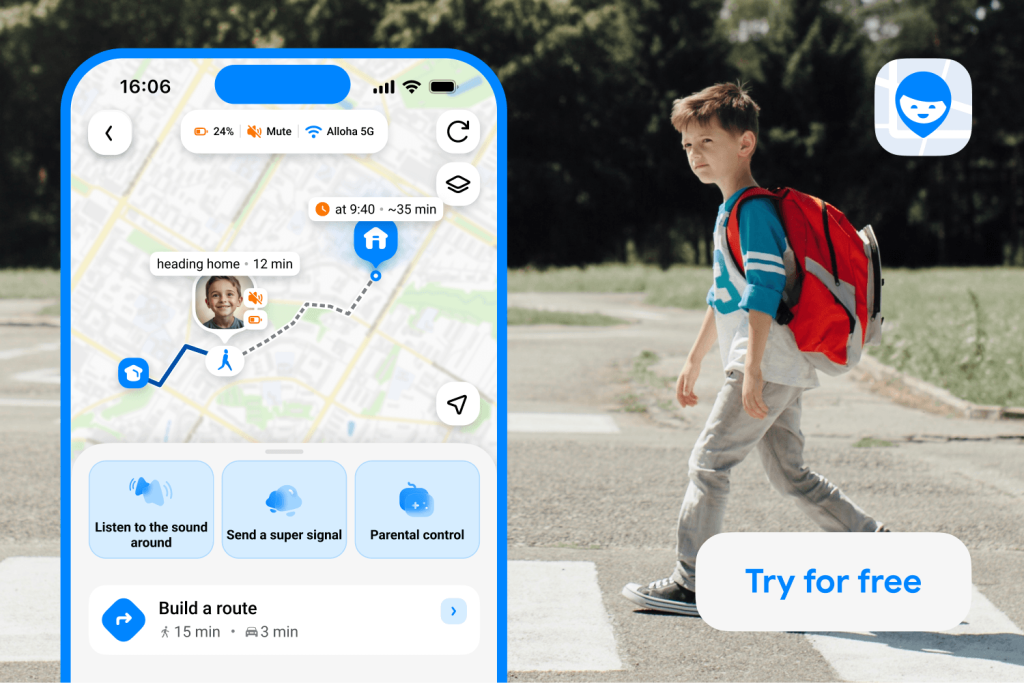
Life360 is one of the most popular location-sharing apps for families to stay connected, but it is not the only option. Whether you’re concerned about the price and looking for free alternatives or want more safety features, there are options out there.
For the most comprehensive parental control and location-tracking app alternative to Life360, Findmykids is a solid choice. It’s compatible with Apple and Android devices, even in mixed device households, and provides parents with the tools they need to keep their children safe online and in the real world.
FAQs
What is the best alternative to Life360?
The best alternative to Life360 is Findmykids. It offers real-time location tracking, safety tools like SOS and Loud Signal, and parental controls for healthy digital habits.
What is the best free Life360 alternative?
The best free family safety app alternative to Life360 is Google Family Link, but it is mainly designed for families using Android devices and Google accounts. Findmykids also offers a free version, which includes core location features and lets parents stay connected with their child without paying for a subscription.
Is there a Life360 alternative for kids?
Findmykids and Kids360 are excellent alternative choices for tracking children’s locations and digital habits. With safety tools and screen time limits, parents can see where their kids are in real time and have more control over how their children use their devices.
What is the best Life360 alternative for teenagers?
The best Life360 alternative for teenagers is Findmykids, especially if they are teen drivers. With the Driving Reports feature, parents can help their teens form safer driving habits.
Is Life360 better than Google Family Link?
Many families find that Life360 offers more safety features and parental controls compared to Google Family Link. It can also be used across iOS and Android devices, meaning it covers all phones and tablets rather than just Android devices.
Sources & References
- Life360 Surpasses 50 Million Monthly Active Users, Life360, 2023
- Spying on Your Kids: 96% of Parents Track Their Children’s Online Activities [Survey], All About Cookies, 2026
- Share Your Location with Your Family Sharing Group, Apple Support, 2025
- Use Precision Finding on iPhone to Meet Up with a Friend, Apple Support
- Life With and Without GeoZilla: What Benefits Your Family Locator Gives, GeoZilla Blog, 2023
- Share Your Real-Time Location with Others on Google Maps, Google Maps Help
Проверьте электронный ящик